VPN vs Proxy: How They Differ and When to Use Each
Contents
VPN vs Proxy: How They Differ and When to Use Each
What is the difference between a VPN and a proxy?
Which one gives you more privacy?
Can you combine them with other privacy tools?
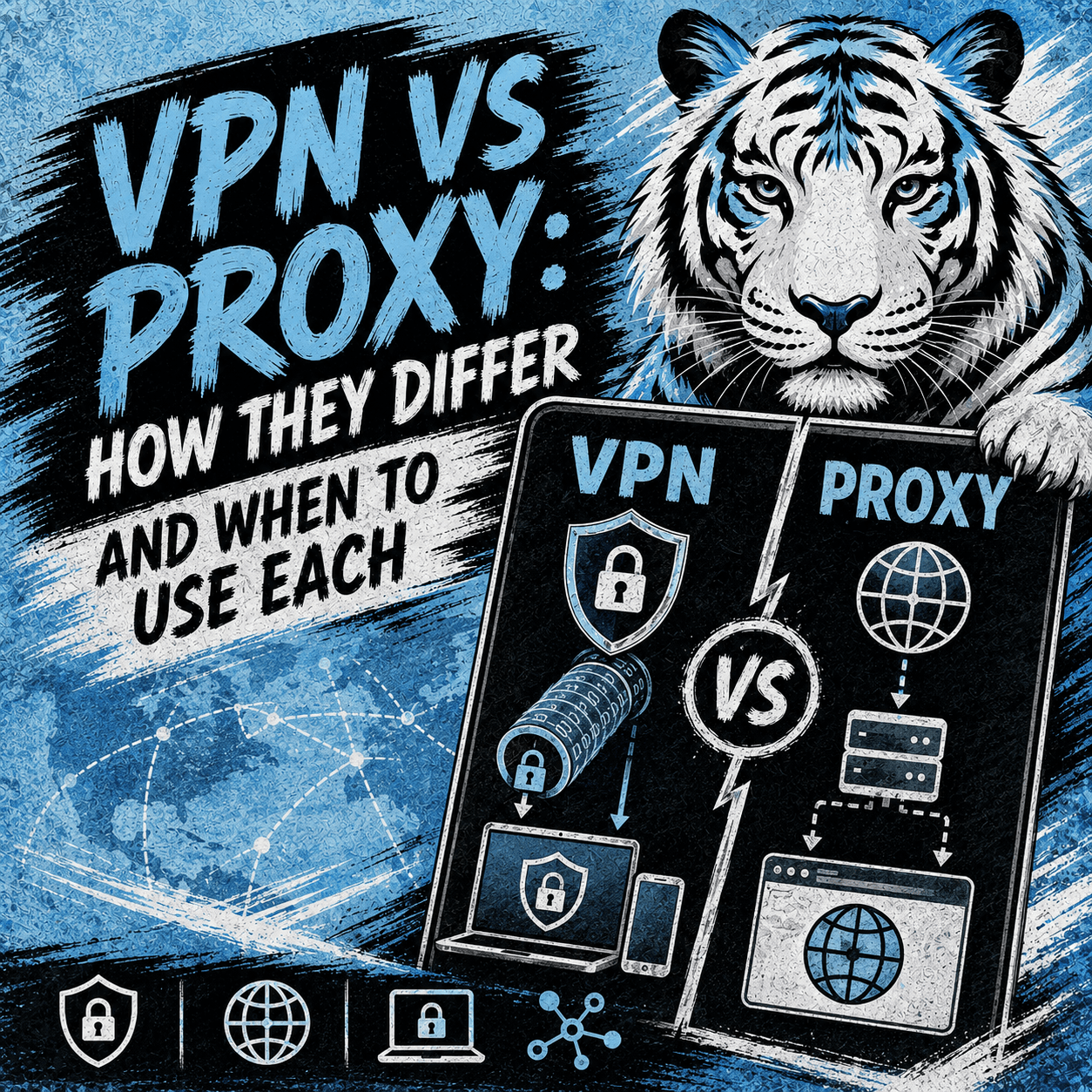
VPN vs Proxy: How They Differ and When to Use Each
A VPN and a proxy can both change the way your internet traffic reaches a website, and both are often grouped together as privacy tools. In a VPN vs proxy comparison, the two look similar at first, yet they work differently and protect you to different degrees. This guide explains what each one does, where it fits, and how virtual numbers from Tiger SMS can add a separate layer of privacy when you register for online accounts.
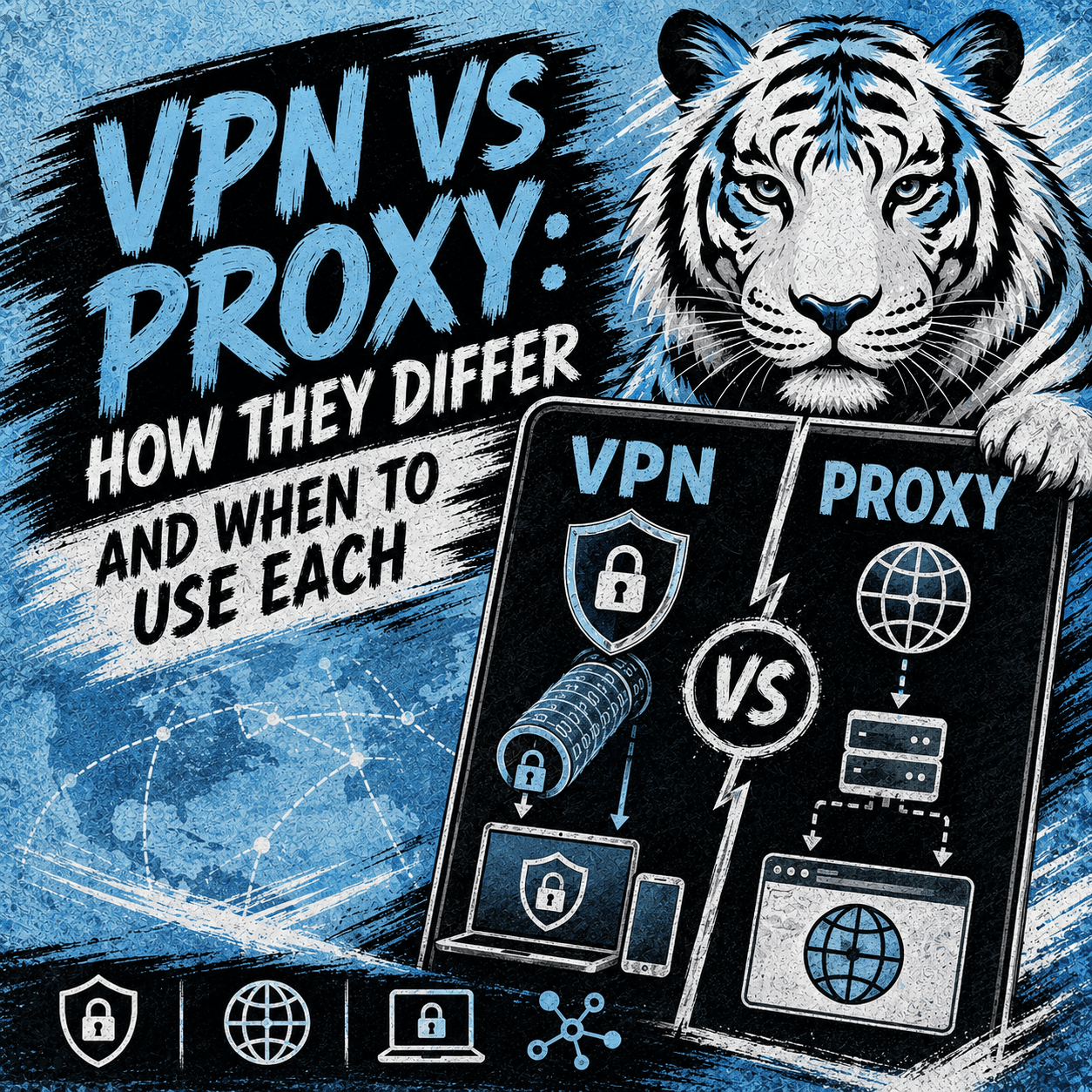
Quick Summary
What is the difference between a VPN and a proxy?
A VPN encrypts and routes all of your device's traffic through a remote server. A proxy usually reroutes traffic for a single app or browser, often without encryption.
Which one gives you more privacy?
A VPN generally protects more of your activity, since it covers the whole device and encrypts the connection. A proxy is lighter and quicker but hides less.
When should you use each?
Reach for a VPN when you want broad protection, such as on public Wi-Fi. Choose a proxy when you need a fast IP change for one task or program.
Can you combine them with other privacy tools?
Yes. Many people pair a VPN or proxy with extra measures, such as a virtual number for SMS verification, so their personal number stays private during signup.
What a VPN Does
VPN stands for virtual private network. It builds an encrypted connection, often called a tunnel, between your device and a server run by the provider. Your data travels through that server, so the sites you visit see the server’s IP address rather than your own. Because the link is encrypted, your internet provider and others on the same network cannot easily read what you send or receive. A VPN operates at the system level, which means it usually covers every app on the device once it is switched on. That wide coverage is the main reason people rely on it for everyday protection.
What a Proxy Does
A proxy server sits between your device and the internet and forwards your requests on your behalf. When you use one, a website sees the proxy’s IP address instead of yours, which changes how your location and identity appear. Unlike a VPN, a standard proxy often leaves your traffic unencrypted, and it usually applies to a single program, such as a browser, rather than the whole system. These tools come in several types, including HTTP proxies for web traffic and SOCKS proxies for a wider range of connections. Their lighter design can make them quick to configure and fast to run for narrow jobs.
VPN vs Proxy: Common Use Cases
The right pick depends on what you want to protect and how much of your activity you want to cover. A VPN suits situations that call for steady, device-wide protection and encryption, especially on networks you do not control. A proxy fits smaller, more specific tasks where speed matters more than full encryption, or where you only need to change the IP for one app. The table below shows typical scenarios for each.
|
Scenario |
VPN |
Proxy |
|
Protecting data on public Wi-Fi |
Strong fit — encrypts all traffic |
Limited — usually no encryption |
|
Keeping activity private from your internet provider |
Yes, across the whole device |
Partial, and only for the routed app |
|
Changing the IP for a single browser or app |
Works, but covers everything |
Strong fit — light and targeted |
|
Running several separate browser sessions |
Less practical |
Common choice |
|
Reaching services from a different region |
Sometimes used |
Sometimes used |
Access to some services depends on your location and each provider’s terms. Always follow the rules of the platforms and services you use.
Strong Points of Each Option
Each tool has clear advantages, and neither replaces the other for every task. A VPN leads on protection and coverage, while a proxy leads on speed and simplicity for focused jobs.
|
Aspect |
VPN |
Proxy |
|
Encryption |
Encrypts your traffic between device and server |
Usually none by default |
|
Coverage |
Protects the whole device |
Covers one app or browser |
|
IP masking |
Hides your real IP behind the server |
Hides your real IP for routed traffic |
|
Speed |
Can be slightly slower due to encryption |
Often faster for light tasks |
|
Setup |
App-based, simple to enable system-wide |
Configured per app or browser |
|
Typical cost |
Paid plans are common for reliable service |
Free and paid options, with varying quality |
Which One Should You Choose?
Both a VPN and a proxy help protect your privacy by changing how your traffic reaches the services you visit, so the better fit depends on your goal. Choose a VPN when you want encrypted, device-wide protection, and choose a proxy when you need a fast IP change for a single task. Many people do not depend on one tool alone. To reduce how much personal information you share online, you can combine a VPN or proxy with other privacy measures — including a virtual number for SMS verification. When a website asks for a phone number during signup, Tiger SMS lets you receive the SMS verification code with a virtual number instead of your personal one. You select a service and a country, and you are charged only when the code arrives.
Users are responsible for following the rules of each platform they register for. Tiger SMS is not responsible for actions users take on third-party services and does not provide refunds if a successfully registered account is later blocked, banned, restricted, reviewed, or limited.
If you want a more private way to receive an SMS verification code, create a Tiger SMS account, choose your service and country, and start in a few minutes.