Google Services You Can Access with a Virtual Number
Contents
Google Services You Can Access with a Virtual Number
Quick Answers Before You Start
What can one Google account access?
Why does Google ask for a phone number?
Can you register a Google account with a virtual number?
Which services suit individuals versus businesses?
Google Services for Personal Accounts
Google Services for Businesses and Teams

Google Services You Can Access with a Virtual Number
Google connects one login to Gmail, Drive, Calendar, and the tools that run most Android phones, along with a full business suite. Setting up or securing that login usually means confirming a phone number, and not everyone wants to tie that to their personal SIM. A virtual number for Google lets you receive the SMS verification code you need, and Tiger SMS can deliver it without exposing your own number.

Quick Answers Before You Start
What can one Google account access?
A single account signs you in to Gmail, Google Drive, Google Calendar, Google Photos, and the Play services behind most Android phones. The same login also opens Google's paid business suite, Google Workspace.
Why does Google ask for a phone number?
Phone verification helps Google confirm new accounts and protect them during sign-in. A verified number also unlocks the full free storage allowance on many new accounts.
Can you register a Google account with a virtual number?
In most cases you can receive the code on a virtual number and finish setup, though availability depends on the country and current conditions.
Which services suit individuals versus businesses?
Individuals rely on Gmail, Drive, Calendar, Photos, and Android features, while organizations use Google Workspace for custom email, shared storage, and admin controls.
Why use Tiger SMS for Google?
Tiger SMS lets you receive a Google SMS verification code without using your personal number, and you pay only when the code arrives.
Google Services for Personal Accounts
A personal Google account is free and bundles several tools under one login.
Gmail handles email with spam filtering and fast search, and it shares a storage pool with other Google products.
Google Drive keeps files, documents, and backups online. Each Google account includes up to 15 GB of storage shared across Gmail, Drive, and Google Photos. Since mid-May 2026, some new accounts start with only 5 GB until a phone number is added and verified, which restores the full 15 GB.
Google Calendar organizes events, reminders, and invitations, and syncs across every device signed in to the same account.
Google Photos backs up images and videos, drawing from that same shared quota.
Android phone tools rely on a Google account for the Play Store, app updates, device backups, and Find My Device. Without a signed-in account, much of a phone's built-in functionality stays out of reach.
Workspace Individual suits solo professionals who want a custom email address and extra features. It is a paid single-user plan, separate from the free consumer account.
Google Services for Businesses and Teams
Google Workspace gives organizations business email on their own domain, shared drives, and central administration through the Admin console.
• Business Starter includes 30 GB of pooled storage per user, Business Standard includes 2 TB, and Business Plus and Enterprise include 5 TB.
• Business Starter, Standard, and Plus support up to 300 users, while the Enterprise plan removes that cap and is priced through Google's sales team.
• All paid Workspace plans now include Google's Gemini AI features. Rates change periodically, so check Google's official pricing page before you budget.
Each employee account still needs its own verification. Firms that register or test accounts across regions can rely on virtual numbers rather than staff members' personal SIMs, and Tiger SMS offers an API for verification at higher volume.
Companies are responsible for following the rules of each service they use. Tiger SMS is not responsible for actions users take on third-party platforms and does not provide refunds if a successfully registered account is later blocked, banned, restricted, reviewed, or limited.
How to Use Tiger SMS for Google Verification
A virtual number lets you receive a Google confirmation code without handing over your personal SIM, which keeps your main line free of extra sign-ins and promotional messages. Because a Google account is a single login, one verification opens Gmail, Drive, Calendar, Photos, and Play together, so you do not confirm each product separately. Some readers also need a number from a country where a service is available; Tiger SMS lets you pick that country, though you stay responsible for following each platform's rules.
Users are responsible for following the rules of each platform they register for. Tiger SMS is not responsible for actions users take on third-party services and does not provide refunds if a successfully registered account is later blocked, banned, restricted, reviewed, or limited.
Here is the process from start to finish:
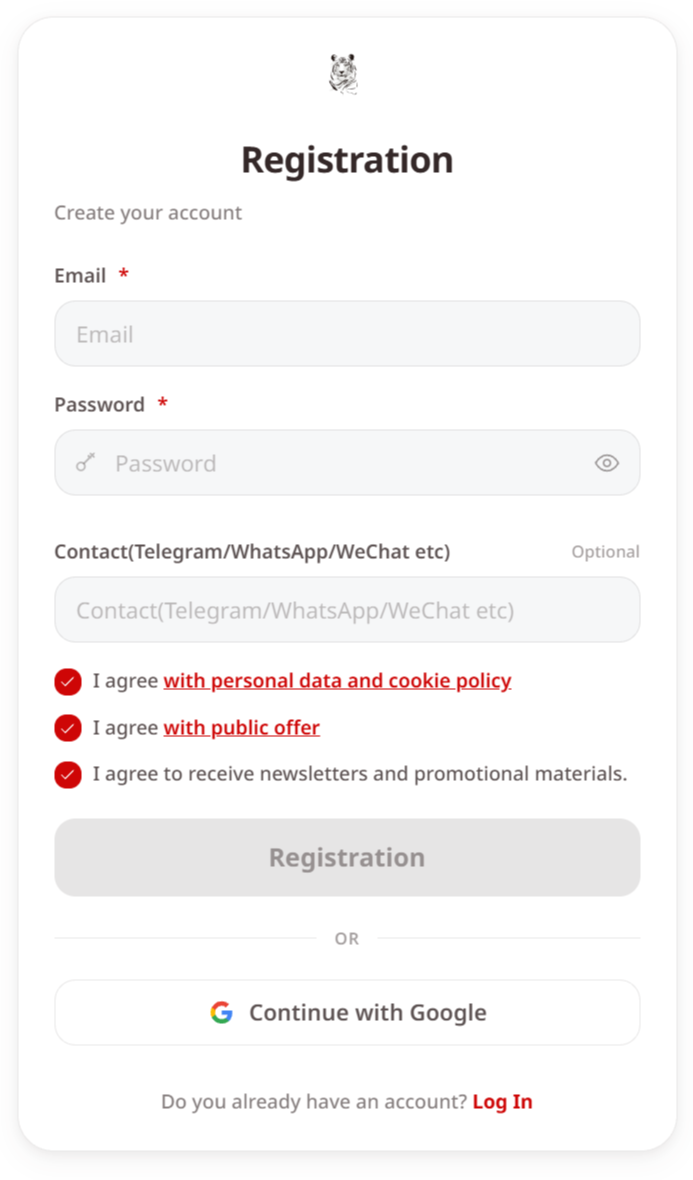
1. Create or log in to a Tiger SMS account on the website or through the Telegram bot.
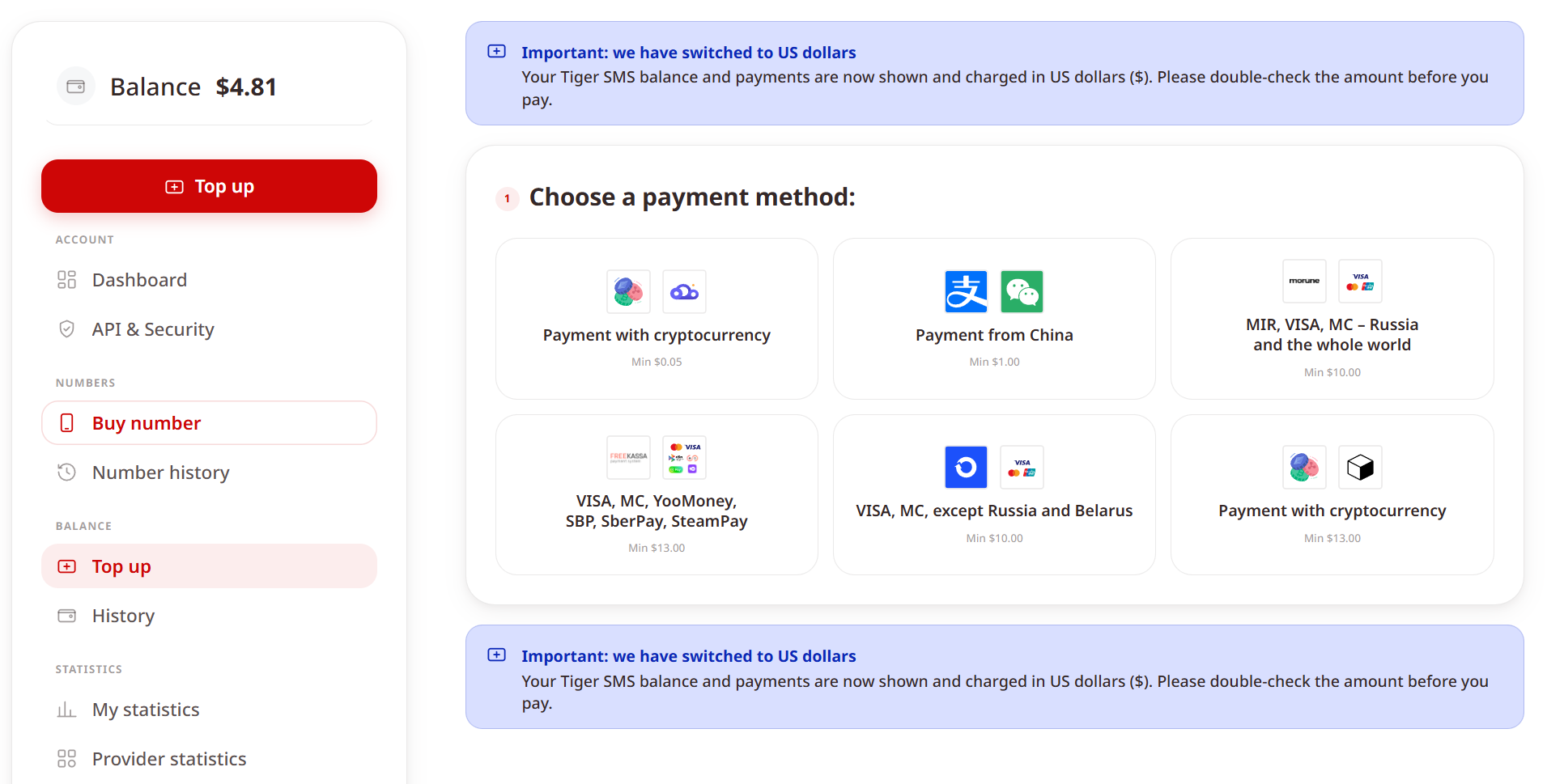
2. Add funds using one of the available payment methods.
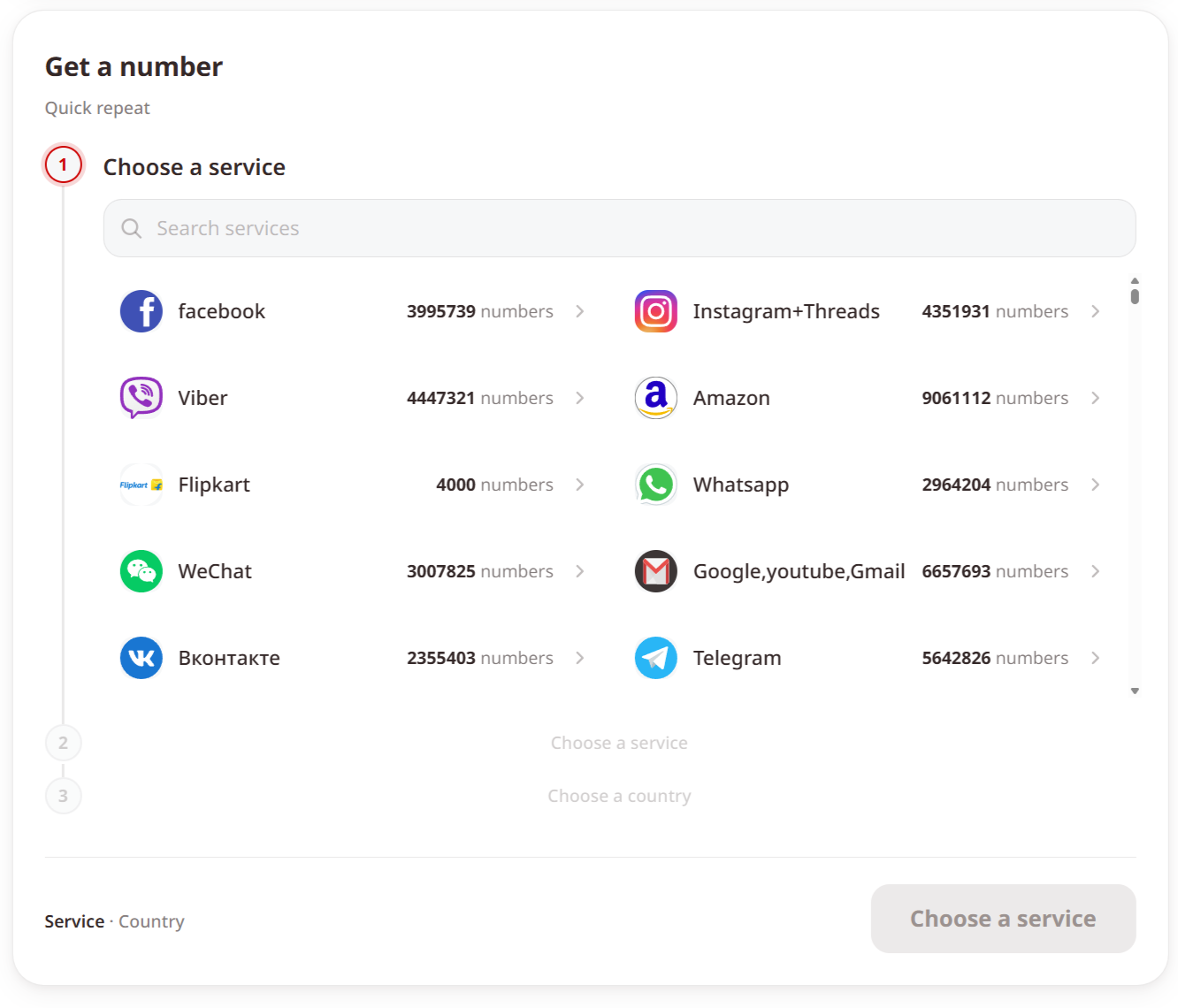
3. Choose Google as the service, or the "Any service" option if you need a variant that is not listed, keeping in mind that availability is not guaranteed there.
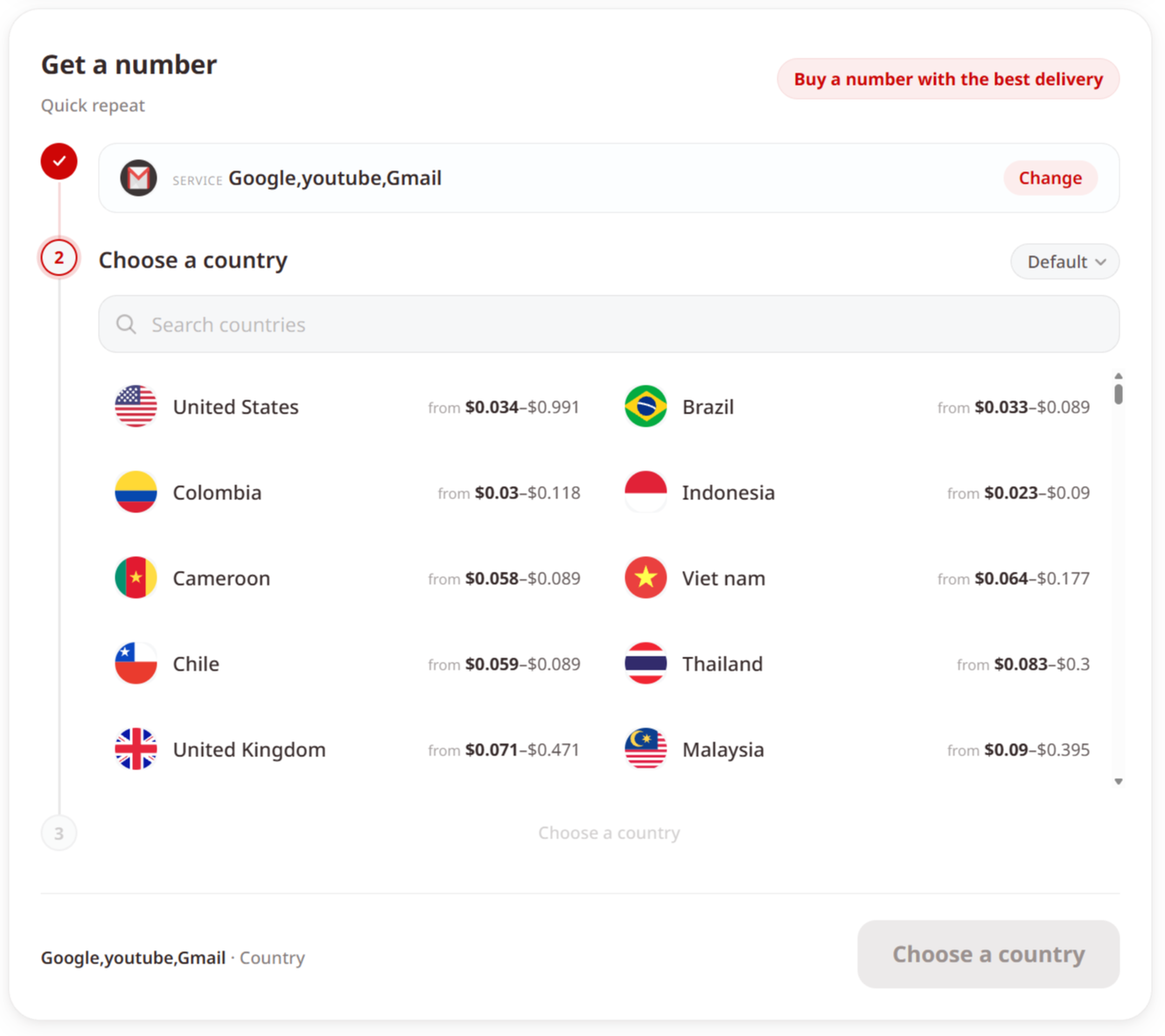
4. Select the country for your virtual number. Tiger SMS warns you before payment if the chosen service is unavailable in that country.
5. Request the number and enter it during Google account setup or verification.
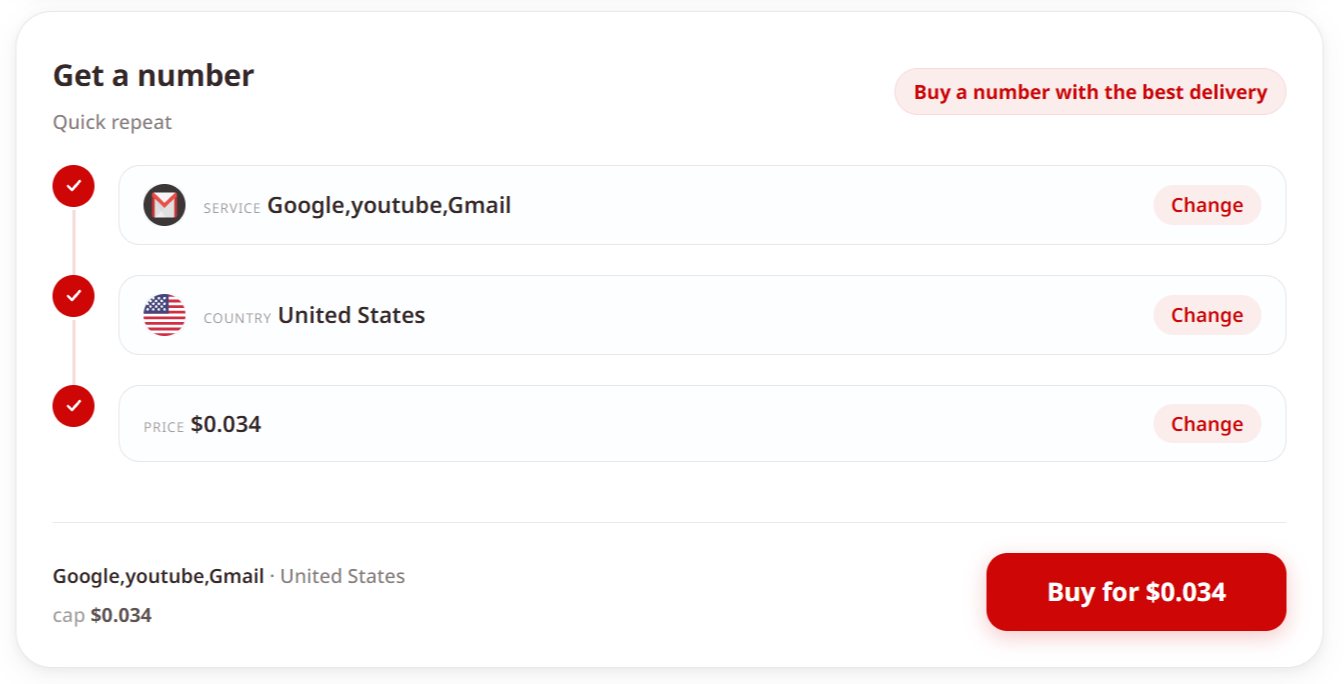
6. Wait for the SMS. Tiger SMS receives the code, and you are charged only when it arrives.
7. Copy the code and enter it on Google to finish.
Tiger SMS receives verification codes only. It does not make calls, send outgoing messages, or provide a long-term line. By default, one number covers a single SMS for one service, so contact support if you need one number for several registrations. That number is meant for the verification step and cannot be used later to recover the account, so keep your own recovery options set up inside Google. If a number cannot complete registration as promised, a refund applies; that protection does not cover an account restricted after a successful sign-up.
Getting Started with Google and Tiger SMS
One Google account reaches email, storage, scheduling, photos, and the core of most Android phones, and a virtual number makes the phone step easier without exposing your personal SIM. For personal use, create a Tiger SMS account, add funds, choose Google and your country, and receive your code in a few minutes. For teams that verify accounts at scale, create an account and contact support to discuss bulk pricing and API access for your services and countries.