
How to Create a Ticombo Account with a Virtual Number
Contents
How to Create a Ticombo Account with a Virtual Number
Why use virtual numbers for Ticombo?
Virtual numbers vs other registration options

How to Create a Ticombo Account with a Virtual Number
Ticombo is an online ticket marketplace where users can buy and sell tickets for events. The platform is a marketplace for organizers, resellers, and fans to buy and sell tickets in a secure and transparent way.
If you want to buy tickets, resell event tickets, or manage event-related activity, you may need to create an account and verify your phone number. But not everyone wants to use their main personal number for another online marketplace.
Tiger SMS solves this by giving you a virtual number that can receive an SMS verification code online.
Why use virtual numbers for Ticombo?
When you register on a ticket marketplace, your phone number becomes part of your account identity. That is useful for security, but it also means your personal number is attached to another online platform. A virtual number helps you avoid that.
With Tiger SMS, you can use a separate number for Ticombo registration instead of your everyday mobile number. This gives you better privacy and keeps your personal communication separate from ticket purchases, resale activity, notifications, and account messages.
Virtual numbers are also practical if you manage different types of accounts. For example, you might want one account for personal ticket purchases and another for professional event-related work. Separate numbers make that cleaner and easier to organize. If a platform offers new-user promotions, use them only according to the platform’s rules. Virtual numbers should help with convenience and privacy, not with abusing bonuses.
Affordability is another big advantage. A new SIM card can be expensive, especially if you need an international number or do not live in the country required by the service. A virtual number is usually cheaper, faster, and available online.
Virtual numbers vs other registration options
You generally have three ways to verify an account: use your personal number, buy a new SIM card, or use an online number.
Using your personal number is easy, but not always ideal. Once your number is connected to a marketplace account, you may receive alerts, promotional messages, or security notifications there. Some users prefer to keep that separate.
Buying a SIM card gives you a real mobile number, but it can be inconvenient. You may need local documents, a local store, or a physical delivery. If the SIM is only needed for one verification code, the whole process feels too dramatic.
Free temporary numbers are risky because they are usually public. Other people may be able to see the same SMS inbox. Even worse, the number may have already been used for the same platform, which means registration can fail before you even start.
Tiger SMS gives you a more controlled option. You choose a number, receive the SMS inside your account, and complete verification without using a public inbox or buying a physical SIM.
How to use Tiger SMS to register a Ticombo account
-
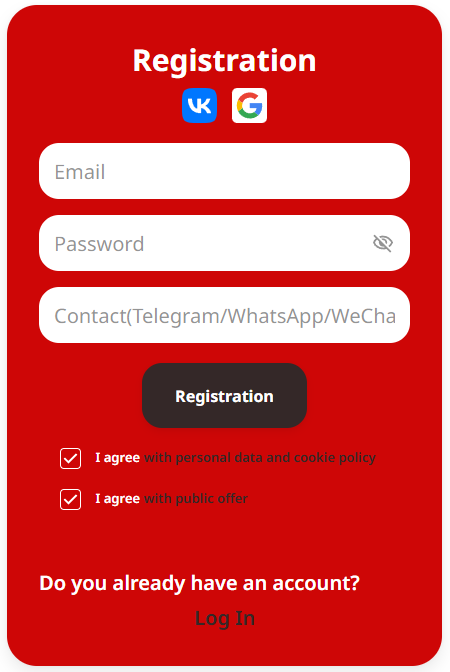
Open Tiger SMS and sign in.
-
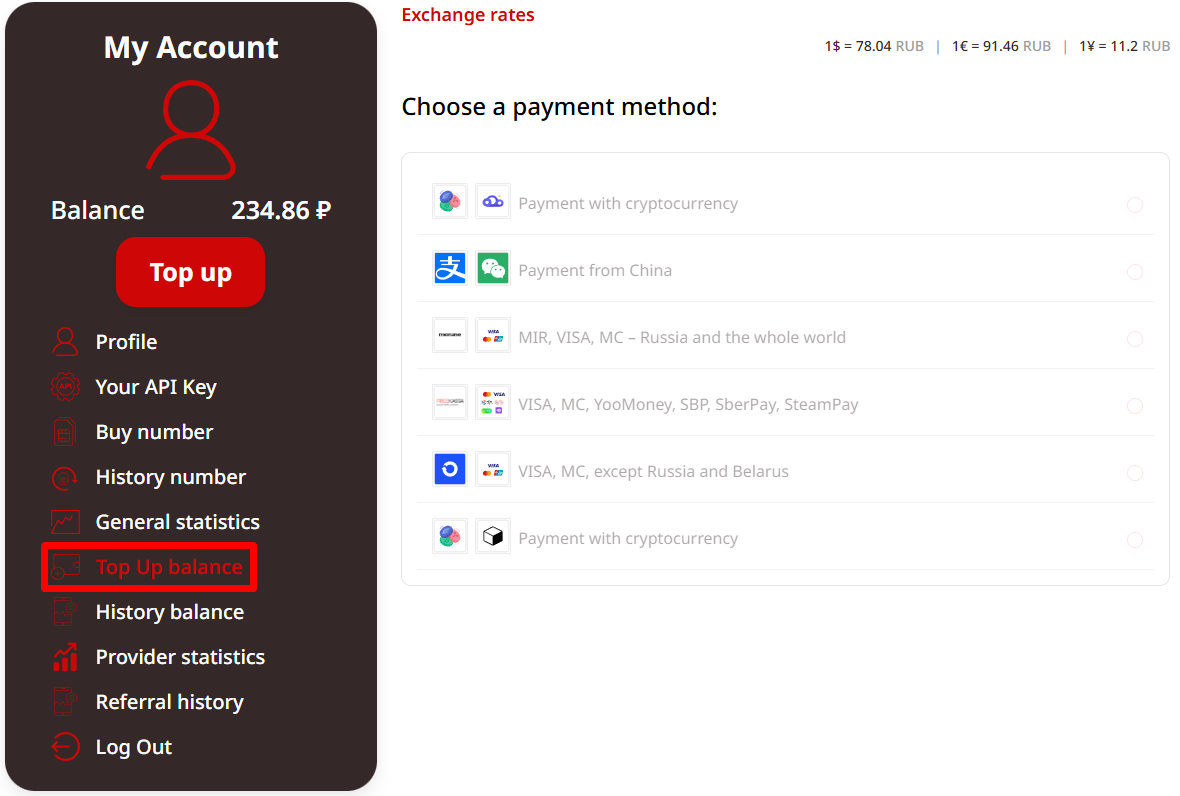
Top up your balance.
-
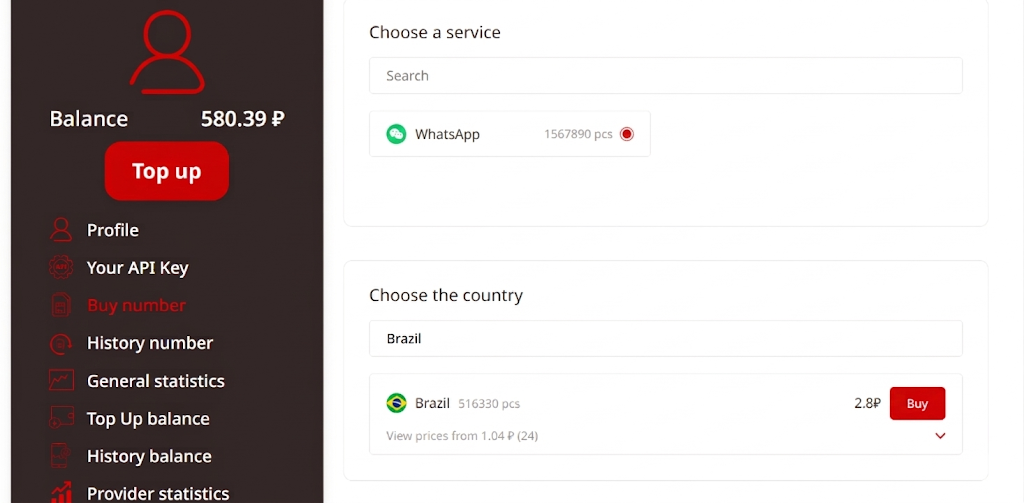
Search for Ticombo in the service list.
-
Select the country for your virtual number.
-
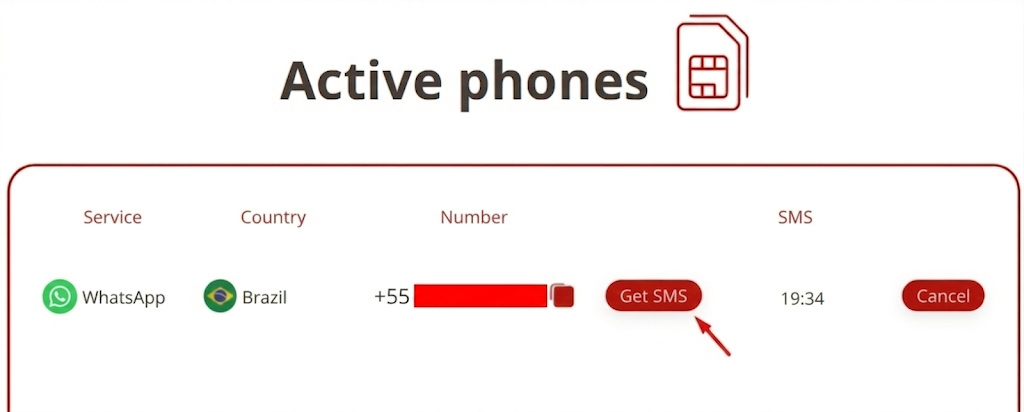
Copy the number from Tiger SMS.
-
Open Ticombo and begin account registration.
-
Enter the virtual number when asked for phone verification.
-
Go back to Tiger SMS and wait for the confirmation code.
-
Copy the SMS code.
-
Paste it into Ticombo and finish creating your account.
If Ticombo does not appear in the service list, select “Any service.” This option is designed for services that are not listed by name and can still receive regular SMS verification messages.
Conclusion
Virtual numbers are a useful tool for Ticombo registration because they protect your privacy, help you organize separate accounts, and remove the need to buy extra SIM cards.
TL;DR
Use Tiger SMS to get a virtual number, enter it during Ticombo registration, receive the SMS code online, and complete your account setup. If Ticombo is not listed, choose “Any service.”