How to Protect Your Privacy Online: 7 Practical Steps
Contents
How to Protect Your Privacy Online: 7 Practical Steps
Set Up a Reliable VPN (Consider a Paid One)
Add a Proxy to Mask Your IP and Location
Use an Antidetect Browser to Limit Fingerprinting
Choose Services That Collect Less Data
Keep Your Phone Number Private With a Virtual Number
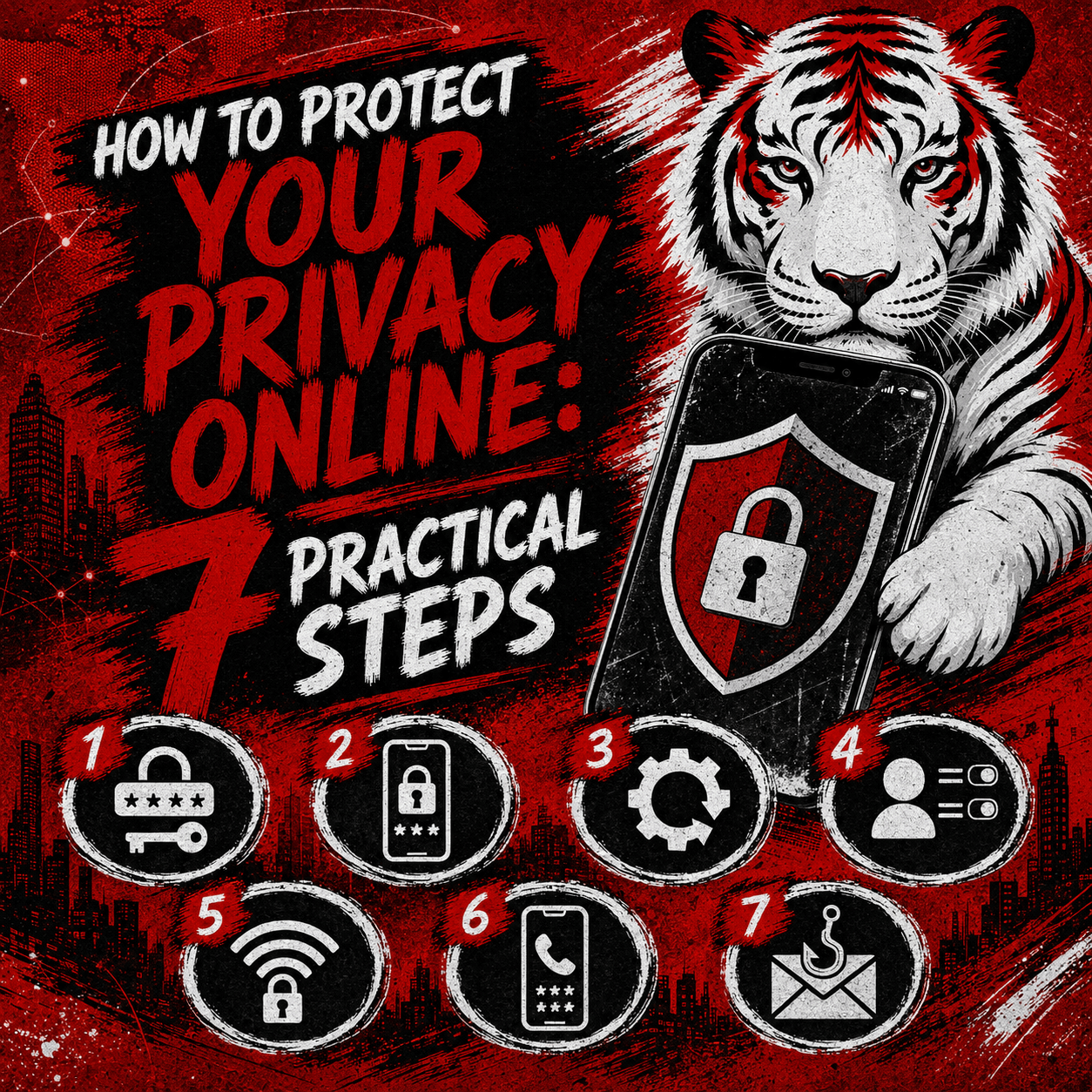
How to Protect Your Privacy Online: 7 Practical Steps
Your personal information travels across the internet every time you browse, register for a website, or send a message. Companies, advertisers, and data brokers collect a large share of it, often to build a detailed profile of who you are and what you do. Learning to protect your privacy online means keeping more of that information under your own control, and it does not require a technical background. This guide covers seven practical measures you can combine to reduce how much you expose. Every method described here is 100% legal and treats privacy as a personal right — not as a way to hide any wrongdoing.
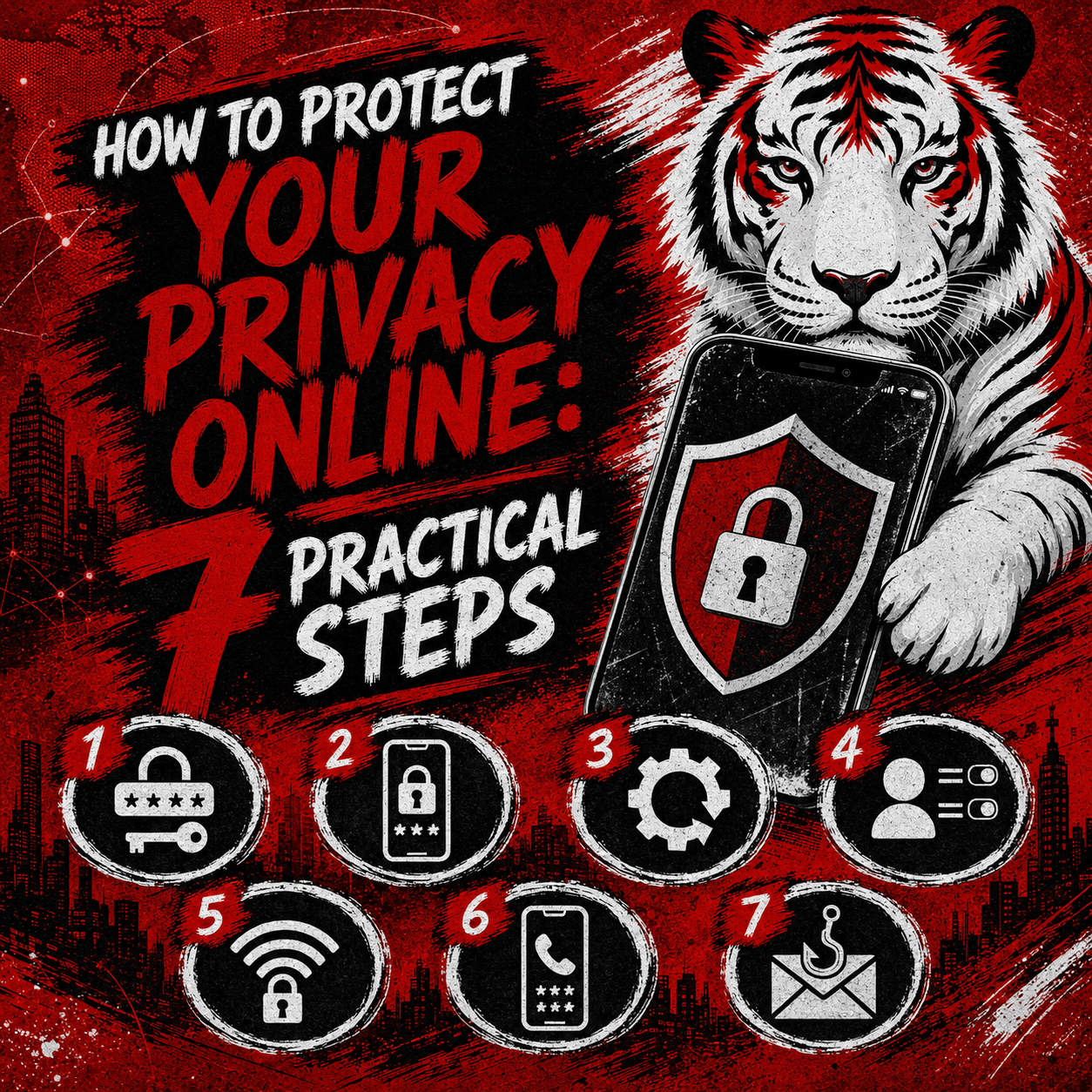
The Short Version
Set up a VPN. A VPN encrypts your connection and hides your IP address; a paid one is generally more reliable and less likely to record your activity.
Add a proxy. A proxy routes your requests through another server, so websites see its location rather than yours, and it pairs well with a VPN for extra separation.
Use an antidetect browser. This masks your browser fingerprint and keeps profiles isolated, which makes passive tracking harder.
Pick low-data services. Large advertising-funded platforms tend to gather and monetize your data, while privacy-focused alternatives collect far less.
Keep your number private. A virtual number from Tiger SMS lets you receive SMS verification codes without revealing your personal phone number, which in many countries is tied to your identity.
Run online antivirus. Software with real-time protection stops malware that could steal your data while you browse.
Block ads and trackers. An adblocker removes ad and tracking scripts, cutting the number of third parties that can follow you.

Set Up a Reliable VPN (Consider a Paid One)
A virtual private network, or VPN, sends your internet traffic through an encrypted tunnel to a remote server. That process hides your real IP address from the sites you open and makes it harder for your internet provider, or anyone sharing your network, to see what you are doing.
Free options exist, but a paid VPN is usually the more dependable choice. Providers that charge a subscription are less likely to keep logs of your activity, tend to run faster servers, and generally avoid funding themselves by selling customer information — a real risk with some no-cost tools. When comparing plans, look for a clear no-logs policy and independent security audits.

Add a Proxy to Mask Your IP and Location
A proxy server acts as a middleman between your device and the websites you visit. Your requests pass through it first, so each site sees the proxy’s IP address and location in place of your own.
Proxies and VPNs overlap, though they work differently. A VPN typically encrypts everything leaving your device, while a proxy often handles a single app or browser and may not encrypt the connection at all. Many people rely on a proxy for one specific task, such as keeping browsing sessions separate, and lean on a VPN for broader, encrypted coverage. Combining the two places more distance between your identity and the pages you load.

Use an Antidetect Browser to Limit Fingerprinting
Websites can recognize you even without your IP address by reading your browser “fingerprint” — a mix of details such as screen size, installed fonts, time zone, and system settings. That combination is frequently unique enough to follow you from one site to the next.
An antidetect browser gives you control over these signals and masks them, so the fingerprint your browser presents no longer points to one consistent identity. It also keeps separate browsing profiles walled off from each other, which stops trackers from stitching your activity together. Treat this as a privacy measure that limits passive tracking — not as a way to misrepresent yourself where a website legitimately requires accurate information.

Choose Services That Collect Less Data
Some of the most popular online tools are free because they gather and monetize what their users do. Search engines, email providers, and browsers offered by large advertising companies such as Google are typically funded by ads, and that model relies on recording your searches, location, and browsing habits.
You can lower your exposure by favoring tools designed to collect as little as possible. Search engines that do not log queries, email providers that encrypt messages, and browsers built to block tracking all shrink the trail you leave. The Tor Browser, a free and open-source option, sends your traffic through several relays to make activity harder to trace, and it is a well-known example of software built around privacy. Read a provider’s privacy policy before committing, and prefer those that plainly state they do not sell or share your information.

Keep Your Phone Number Private With a Virtual Number
Many websites ask for a phone number during sign-up, and that request carries a privacy cost that is easy to overlook. In a number of countries, phone numbers are tied to your personal identity — SIM registration may require a passport or national ID — so handing over your main number can link an account directly to the real you. It also invites marketing messages and lets your contact details travel between platforms.
Tiger SMS is a virtual number service that helps users receive SMS verification codes for online registrations without exposing a personal number. You choose the service you want to verify and select a country for the number; if the service is not listed, an “Any service” option is available, though availability is not guaranteed in that case. Tiger SMS warns you when a chosen service is unavailable for a particular country, charges you only when the verification code is received, and offers a refund when registration with the provided number is not possible. By default one number receives a single SMS for one service, and you can contact support if you need one number to cover several. The service is built for receiving verification codes — not for calls, outgoing messages, or recovering account access later.
Users are responsible for following the rules of each platform they register for. Tiger SMS is not responsible for actions users take on third-party services and does not provide refunds if a successfully registered account is later blocked, banned, restricted, reviewed, or limited.

Run Antivirus Software With Real-Time Protection
Malware can quietly log your keystrokes, capture passwords, and copy your files to someone else, undermining every other privacy step you take. Dependable antivirus software watches for these threats and removes them before they do harm.
Pick a product with online, real-time protection rather than one that only scans when you ask it to. Real-time and web protection inspect files, downloads, and pages as you use them, blocking malicious sites and phishing attempts in the moment instead of after the damage is done. Keep the software updated so it can recognize newly discovered threats.
Block Ads and Trackers
Advertising networks often go beyond showing you ads and follow your movements across websites to profile your interests. An adblocker interrupts much of this by stopping ad scripts and tracking code before they load.
Aside from clearing visual clutter, a capable adblocker cuts the number of third parties that can observe your browsing and can also filter out some malicious ads that carry malware. Browser-based blockers install in a few clicks, and several privacy browsers ship with this protection already switched on.
Putting the Layers Together
Online privacy works in layers, and no single tool covers everything. A VPN and a proxy conceal where you are, an antidetect browser and an adblocker limit what trackers can gather, careful choice of services reduces what you hand over in the first place, antivirus protection guards your device, and a virtual number keeps your personal phone line out of the picture. Applied together, these steps give you real control over your own information. Each one is 100% legal, and adopting them simply reflects a decision to value your privacy.
If keeping your personal number private is part of that plan, create a Tiger SMS account, choose your service and country, and start receiving verification codes in a few minutes.