
How to Farm Gmail Accounts Using LTEspace Mobile Proxies and Virtual Phone Numbers
Contents
Why you can’t just create many Gmail accounts the simple way
Why virtual phone numbers are needed
Step-by-step scheme for farming Gmail with automation software

In 2026, creating large numbers of Gmail accounts is no longer possible without the right setup. Google checks IP addresses, user behavior, browser digital fingerprint, and phone number history.
If accounts are created under the same conditions, Google quickly connects them together and applies restrictions.
This article explains how to build a stable Gmail farming system using LTEspace mobile proxies and virtual phone numbers.
Why you can’t just create many Gmail accounts the simple way
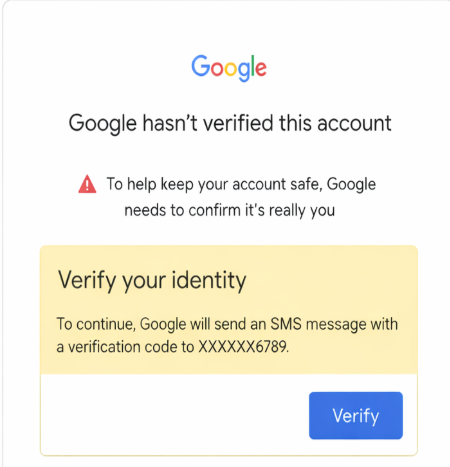
Creating lots of Gmail accounts directly (or very simply) is almost impossible or very risky now. In 2025–2026 Google built a very strong system to block automated multi-accounting and spam. Here are the main reasons why mass registration usually fails:
| Reason for block / restriction | How Google detects it (2026) | Result for mass registration |
| Same device digital fingerprint | Canvas, WebGL, fonts, User-Agent, screen, timezone, WebRTC, hardware concurrency, etc. match → ban | Even 3–5 accounts from one PC/browser → checkpoint or block |
| Same IP address / subnet | Limit on registrations from one IP (often 1–3 per day, sometimes 0 with datacenter proxies) | With normal home IP — only a few accounts, then phone required |
| Reusing the same phone numbers | One number — limit 2–5 accounts (sometimes less), virtual/SMS activators can help | After 1–2 registrations the number is “burned” |
| Behavioral patterns | Too fast form filling, same mouse movements, no scrolling, template clicks | Automatic → instant CAPTCHA or “suspicious activity” |
| No / bad activity history | Fresh profile without cookies, search history, YouTube views, etc. looks like a bot | New accounts immediately suspicious, verification required |
| Bad / datacenter proxies | Google detects residential vs datacenter/mobile proxies (even premium ones) | Almost always block after 1–2 attempts |
| CAPTCHA / invisible reCAPTCHA v3 | Low solving speed, score below 0.3–0.5 → block | Auto-solvers often give low score → chain ban |
Why it became almost impossible to do it “just like that” in 2026
-
Google improved AI behavior analysis and device fingerprinting — even regular Chrome without antidetect has almost no chance.
-
Phone verification limits became much stricter.
-
Mass registrations are used for spam, fake reviews, boosting, crypto scams → Google closes holes very aggressively.
-
Even if an account is created — without “warming up” (search, emails, YouTube) it gets banned quickly when any suspicious activity happens.
What actually works in 2026 (if you really need many Gmail accounts)
-
Antidetect browsers: Dolphin Anty, Multilogin, Octo, GoLogin, MoreLogin, BitBrowser, etc. + residential/mobile LTEspace proxies / ISP proxies (not cheap datacenter ones).
-
Auto-registration software: GoogleReger by Delar, Automatemytask A1-Antidetect Google Registrator, and similar (but only with high-quality proxies and numbers).
-
Buying ready aged PVA Gmail accounts (phone verified + warmed up) on markets like AccsMarket, Fbstore, Socnet.
-
Cloud Android farms: GeeLark, Redfinger, etc. — real devices in the cloud.
-
Using virtual numbers from TIGER SMS — they provide fresh, unused numbers specially good for Gmail registration, which greatly reduces ban risk.
Without these things, creating many accounts “the simple way” almost always ends in ban after 5–10 accounts (often even earlier). Google simply does not give more chances to bots and arbitrage people without serious masking.
Why virtual phone numbers are needed
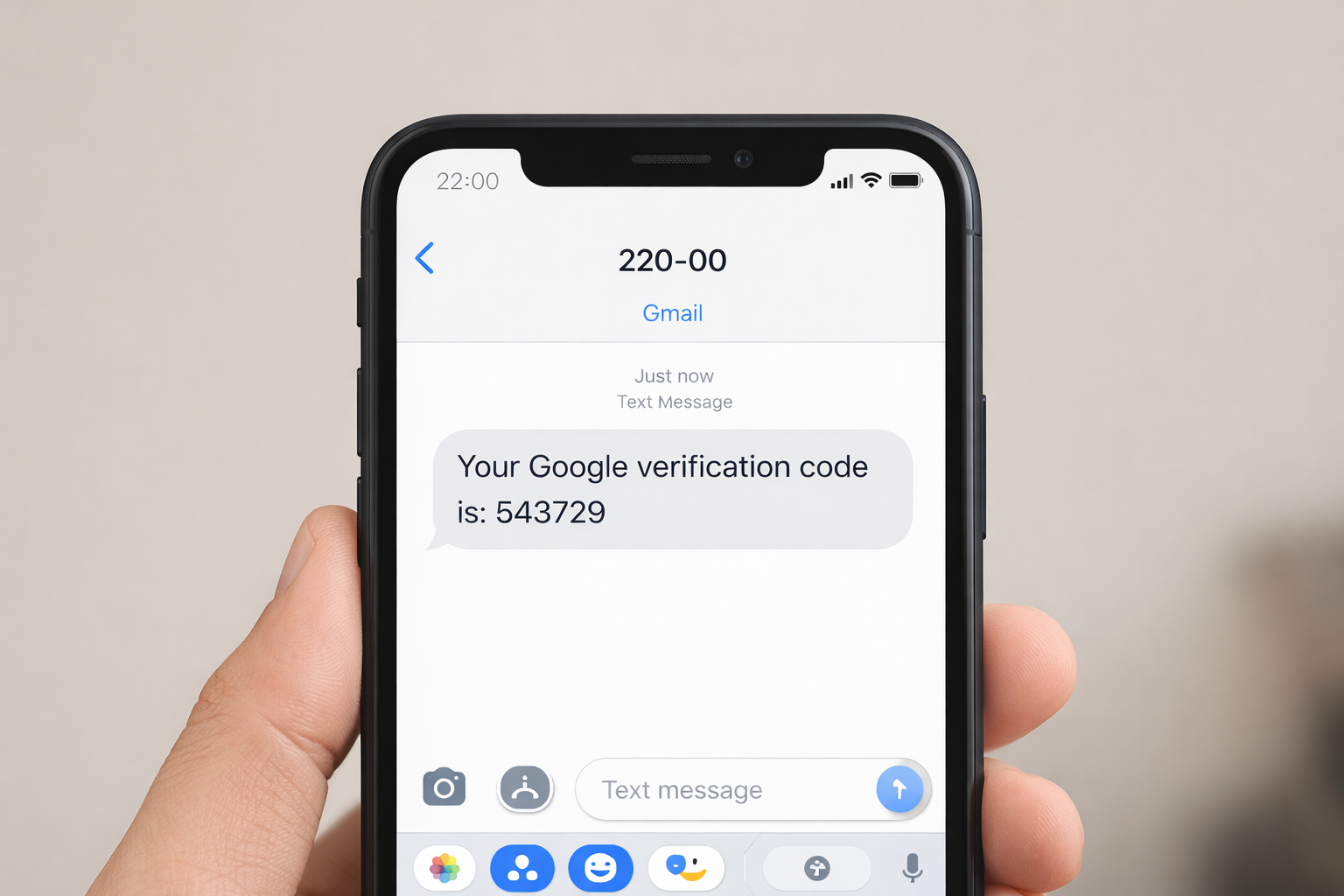
Virtual phone numbers (SMS activators, one-time / temporary numbers) are needed for mass Gmail registration for one simple reason: Google strictly limits how many accounts can be created with one real phone number to fight spam, bots, and fake profiles.
Here is why mass registration (dozens/hundreds of accounts) is almost impossible in 2026 without them:
| Reason | Limit per one number (approx. 2025–2026) | What happens when limit is reached | How virtual number solves the problem |
| Google verification limit | 2–5 accounts (usually 3–4, sometimes 1–2) | Error: “This phone number has been used too many times for verification” | Each new virtual number = new clean slot → hundreds of accounts possible |
| VoIP / virtual numbers get burned quickly | Many free ones (TextNow, Google Voice) — max 1–2 accounts | Google detects and blocks them almost immediately | Paid SMS services like TIGER SMS give fresh numbers from different countries → higher success |
| Russian numbers almost never work | Since 2024–2025 often completely blocked for new accounts | Error: “This number cannot be used for verification” | Virtual numbers from other countries (Indonesia, India, USA, etc.) bypass regional blocks |
| Mass creation = high ban risk | Even 5–10 accounts from one device/IP → checkpoint | Always requires phone after limit | Virtual numbers + antidetect + proxies allow scaling without quick ban |
| Registration without number is possible but limited | 1–5 accounts per day max (with good fingerprint and residential IP) | After limit always requires phone | Virtual numbers completely remove this ceiling |
-
One real phone number = maximum 3–5 Gmail accounts (often fewer in 2026).
-
Want 50–500 accounts? → You need 50–500 different numbers.
-
Buying/using physical SIM cards in such quantity is expensive, slow, and not scalable.
-
Virtual numbers from Tiger SMS cost very little per piece (from 1–10 rubles/cents), arrive instantly, and allow full automation through software (GoogleReger, A1-Antidetect Google Registrator Automatemytask, etc.).
Without virtual numbers, mass registration stops at 5–10 accounts (best case). With them — you can reach hundreds, but only with quality proxies, antidetect, and warming, otherwise Google will still ban fresh accounts later.
Step-by-step scheme for farming Gmail with automation software
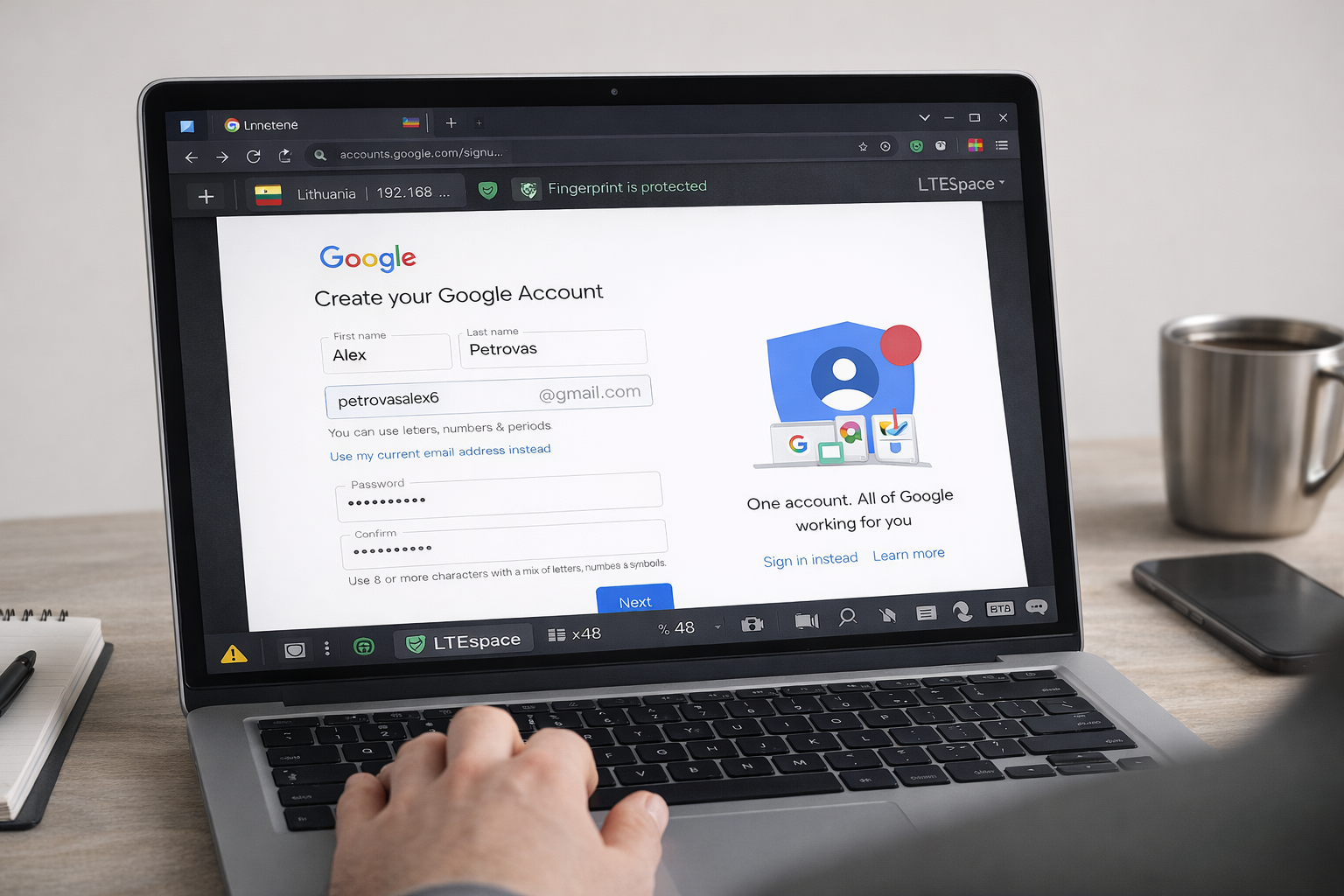
Step 1. Choose the software that fits you best.
Study its features and capabilities. As an example, you can look at software listed on our partners page that works for mass Google account creation.
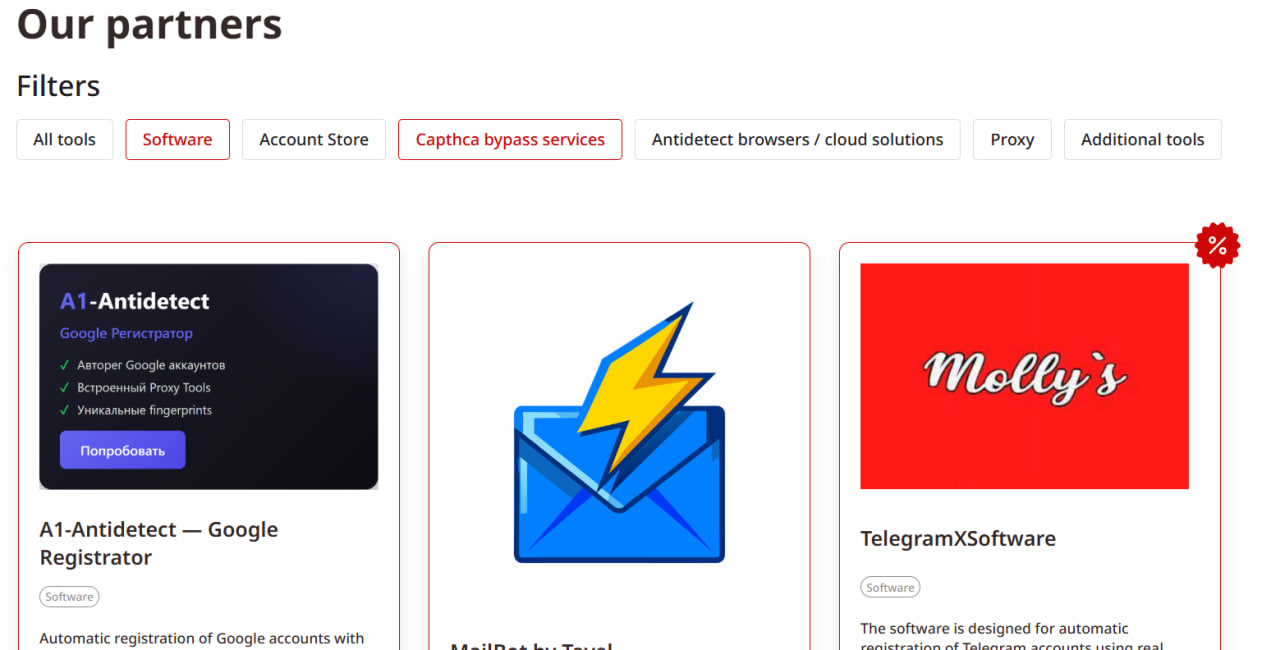
Step 2. Set up the software.
After buying the software, configure it: add user agents, proxies, and API of the virtual numbers service. We recommend using LTEspace mobile proxies together with TIGER SMS.


Step 3. Start mass registration of accounts using the software, proxies, and virtual numbers.
Farming Gmail accounts manually
Step 1. Create a separate profile
Use an antidetect browser. One profile = one account.
Step 2. Connect LTEspace mobile proxy
Assign a separate mobile IP to each profile.
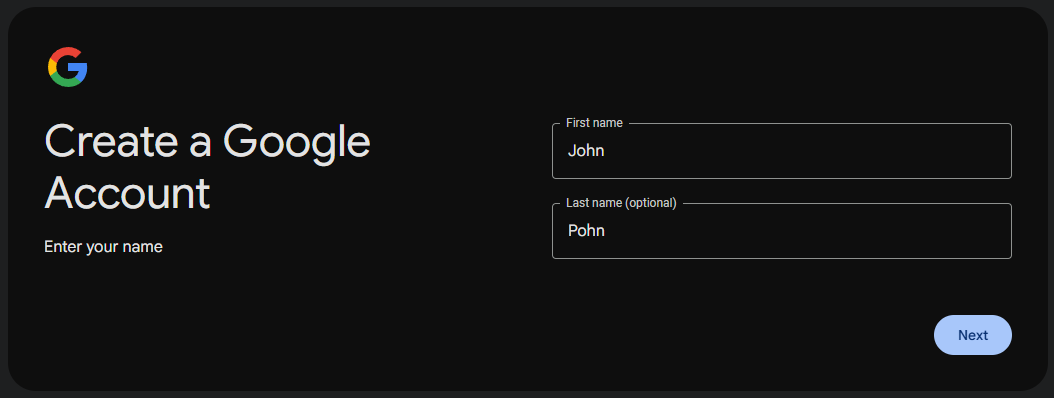
Step 3. Register Gmail
Do the process slowly and naturally, without sudden actions.
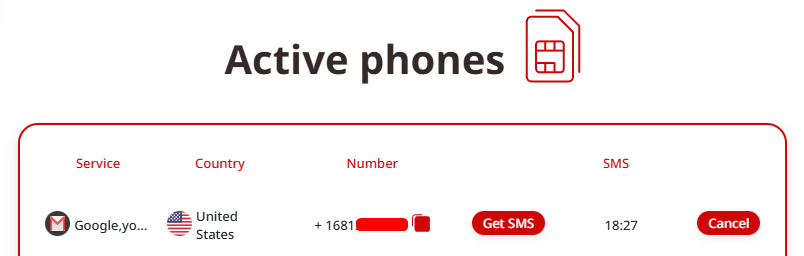
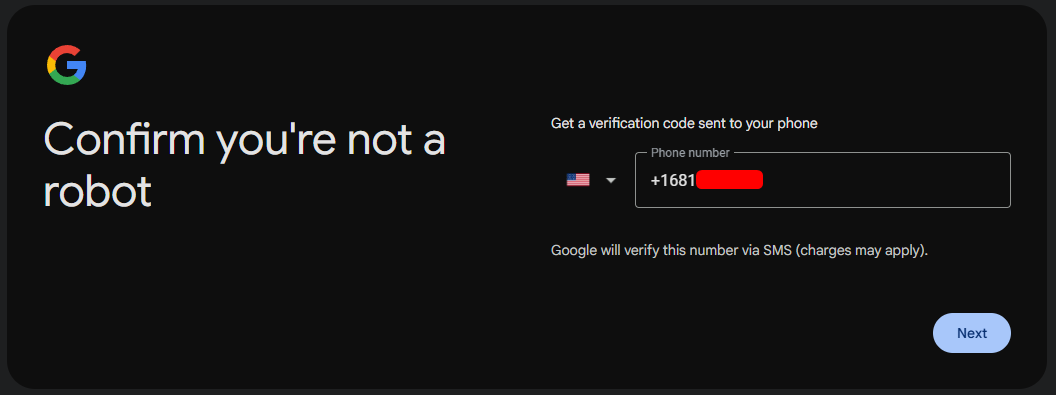
Step 4. Verify with virtual number from TIGER SMS
Receive the SMS code and finish registration.
Step 5. Warm up the account
-
Fill in the profile
-
Do moderate activity
-
Slowly increase actions
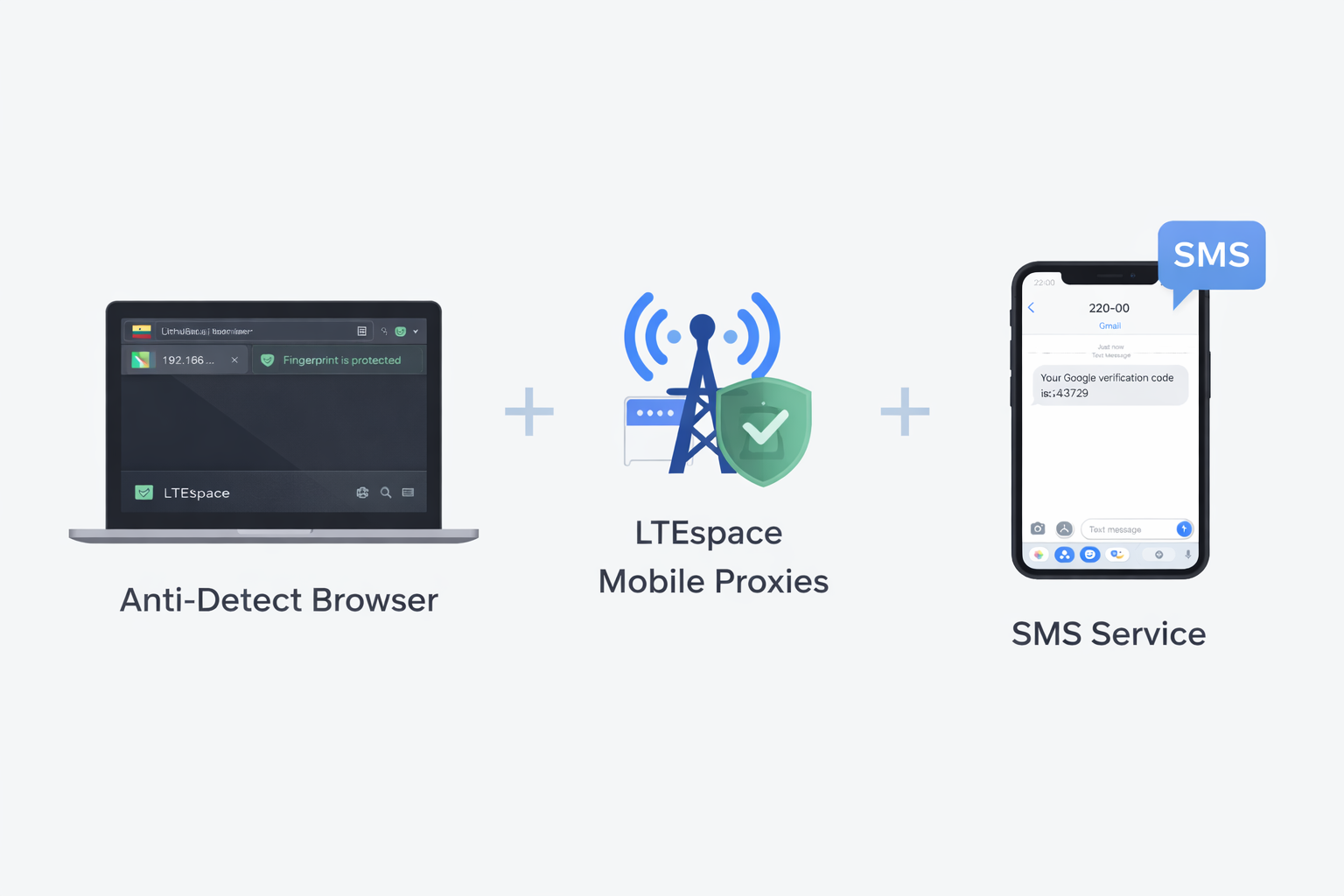
The main rule is: do everything gradually and keep accounts isolated.
For stable work use:
-
antidetect browser
-
LTEspace mobile proxies
-
TIGER SMS virtual numbers service
-
account tracking system
Professional farming is a controlled system, not chaotic registration.
Typical mistakes when doing mass Gmail registration
(relevant for 2026 — these are exactly the things that most often cause instant checkpoint, ban of fresh accounts, or chain ban of the whole batch)
Here are the most common and deadly mistakes (ranked by how often they happen in 2025–2026):
| № | Mistake | Why Google bans / does not let pass | How often | How to avoid (short) |
| 1 | Datacenter / cheap proxies (IPv4 datacenter, IPv6, shared) | Google detects them in seconds → 0–2 accounts per IP | ★★★★★ | Only residential 4G/5G/mobile LTEspace or ISP proxies (max 1–2 accounts per IP) |
| 2 | Same device fingerprint (no antidetect or weak one) | Canvas, WebGL, fonts, hardware, timezone, screen match → all accounts linked | ★★★★★ | Must use antidetect browser (Dolphin{anty}, AdsPower, Octo, Multilogin, GoLogin etc.) with unique fingerprint per profile |
| 3 | Reusing virtual numbers (one number for >3–5 accounts) | Google limit usually 2–4 accounts per number, virtuals detected fast | ★★★★☆ | Fresh numbers from different countries. Use TIGER SMS |
| 4 | No warming up / suspicious activity right after creation | New account without history + immediate spam/reg → ban | ★★★★☆ | Minimum 3–7 days: search, watch videos, send 1–2 emails to friends |
| 5 | Too fast / identical behavior (bot template clicks, speed) | Behavioral analysis + mouse/keyboard patterns → low score → checkpoint | ★★★★ | Human-like software, random delays, mouse curves, scrolling, pauses |
| 6 | Geo mismatch (US proxy + Russian language + Moscow timezone) | Language/time/IP/page mismatch → suspicious | ★★★ | Full match: proxy country → language → timezone → keyboard |
| 7 | Mass creation from one device without rotation | Even with antidetect >10–20 per day from one PC → hardware-based ban | ★★★ | Cloud farms (GeeLark etc.) or limit 5–10 per day per machine |
| 8 | Same recovery email / names / patterns (john1@gmail → john100) | Easy to cluster → mass ban | ★★☆ | Random names, different recovery (best without), unique passwords |
| 9 | Ignoring captcha / low score from solver | CaptchaAI/NoCaptcha give score <0.4 → chain block | ★★ | Best solvers (2captcha with high rating or good AI solver) |
| 10 | No pauses between accounts (conveyor 1 every 1–2 minutes) | Too high speed → bot pattern | ★★ | 5–15 minutes between registrations, randomization |
Most dangerous combination of mistakes in 2026 (almost 100% ban):
datacenter proxies + no antidetect + same numbers + immediate mass activity.
If you want to scale without losses — minimum needed:
-
quality antidetect
-
residential/mobile proxies (not cheaper than 30–80 rub/IP)
-
fresh numbers (no more than 2–3 per number)
-
warming up 3–14 days
Without at least one of these points, success rate drops to 10–30%. Good luck with your farm — and don’t rush, Google in 2026 really hates hurry!
Conclusion
In 2026, farming Gmail without mobile proxies and virtual numbers is practically impossible.
The combination of LTEspace + virtual numbers from TIGER SMS allows you to:
-
minimize risks
-
separate accounts
-
increase their lifetime
-
scale the system
If you plan to work with multiple Gmail accounts — you must start with the correct technical setup.