Apple ID Account Recovery When Your Old Phone Number Is Gone
Contents
How Apple ID Recovery Normally Works
Why the Phone Number Step Trips People Up
Step-by-Step: Verifying a New Number During Recovery
Preventing This Problem Going Forward
Two-Factor Authentication vs. Two-Step Verification
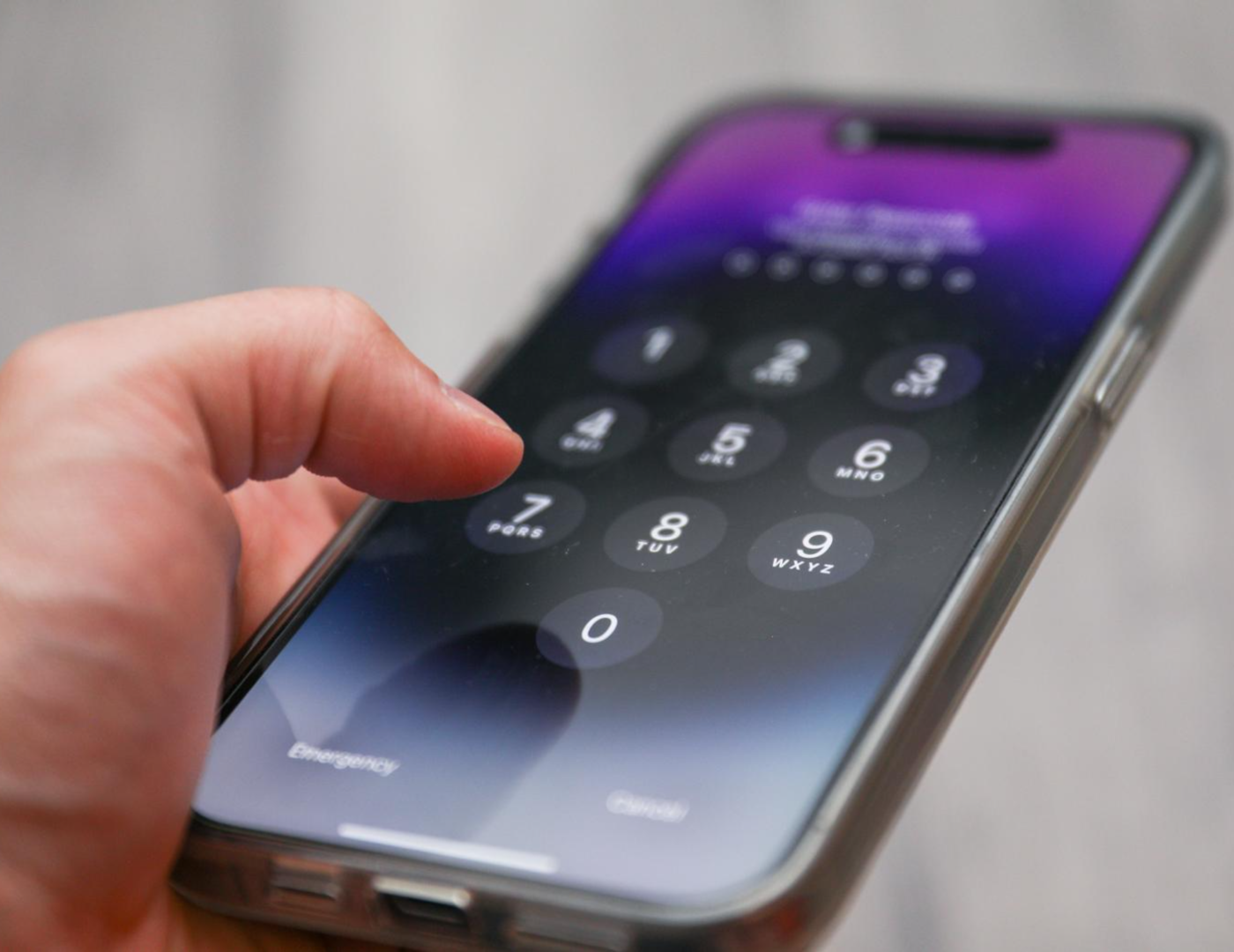
Apple's account recovery process leans heavily on two-factor authentication tied to a trusted phone number — which works well until that number stops being yours. Old SIM cancelled, switched countries, changed carriers years ago and never updated Apple's records — and suddenly the exact security feature meant to protect the account is the thing standing between you and getting back in.
How Apple ID Recovery Normally Works
-
Go to Apple's account recovery page and enter the Apple ID.
-
Choose the recovery method — this usually starts with a code sent to a trusted phone number on file.
-
If that number is reachable, enter the received code and continue through any additional identity checks.
-
If two-factor authentication is enabled and the trusted device or number isn't accessible, Apple offers an account recovery request instead, which can take Apple a period of days to process, since it involves manual verification.
-
Once recovery is approved, you can reset the password and regain access.
The process is designed to be strict on purpose — Apple ID often holds payment details, photos, and device management access, so recovery isn't meant to be instant for anyone who can't prove ownership.
Why the Phone Number Step Trips People Up
The trusted number attached to an Apple ID is often years old by the time recovery becomes necessary. Common scenarios:
-
The SIM was cancelled after switching carriers or countries, and the number was reassigned to someone else.
-
The number belonged to a work phone that was returned after changing jobs.
-
International travel or relocation made the original number unreachable for receiving the code.
-
The phone itself was lost or damaged, with no way to check for the incoming SMS even if the number is technically still active.
In every one of these cases, Apple's system is still configured to send the verification code to a number that no longer functions as expected.
What Actually Solves This
Apple's official account recovery flow (through Apple's own manual review) is the intended path when you no longer control the original trusted number — it's built for exactly this scenario and doesn't require a working version of the old number at all, just proof you're the legitimate account owner through Apple's own checks.
Where a virtual number becomes relevant is a step earlier: updating your trusted phone number before you lose access entirely, or completing verification for a new number during account setup or recovery steps that do accept a fresh, working number rather than the original one. If Apple's flow allows adding or verifying a new trusted number as part of getting back into the account, a rented number can receive that verification code the same way it would for any other platform.
Step-by-Step: Verifying a New Number During Recovery
-
Rent a virtual number through a service Tiger SMS in the country your Apple ID recovery flow expects.
-
Enter that number wherever Apple's process requests a phone number for verification.
-
Retrieve the incoming code from your dashboard.
-
Enter the code to confirm the new number as part of the recovery or account update process.
This doesn't bypass Apple's identity checks — it simply gives you a working number to receive whatever code the process requires, when your original one no longer can.
Preventing This Problem Going Forward
|
Situation |
What to do before it becomes a problem |
|---|---|
|
Switching carriers or countries |
Update the trusted phone number in Apple ID settings before cancelling the old SIM |
|
Leaving a job with a work-issued phone |
Remove the work number as a trusted device before returning the phone |
|
Long-term travel abroad |
Add a second trusted number or rely on a trusted device instead of SMS alone |
|
Old account with an outdated number |
Log in now, while you still can, and refresh the trusted number on file |
Apple ID recovery is far less painful when the trusted number is current — the entire multi-day manual review process exists specifically for people who didn't get to do this in advance.
A Realistic Expectation
Recovering full access to an Apple ID that has two-factor authentication enabled and no working trusted number typically still requires going through Apple's own account recovery request, which can take several days regardless of what phone number is available, since Apple verifies ownership through more than just a single SMS code at that stage. A virtual number helps with the specific sub-step of verifying a new number where the process allows it — it isn't a shortcut around Apple's broader identity checks.
Two-Factor Authentication vs. Two-Step Verification
Apple has used two different security systems over the years, and they behave differently during recovery. Two-factor authentication (the current standard) relies on trusted devices as much as trusted numbers, which can actually make recovery easier if you still have access to any previously trusted device, even without the original number. Two-step verification (the older system) relied more heavily on a recovery key and a trusted number specifically, with fewer alternate paths if that number is gone. Knowing which system is attached to an older account helps set realistic expectations for how recovery will unfold.
What Apple Typically Asks For During Manual Recovery
When the automated phone-based recovery isn't possible, Apple's manual account recovery request generally asks for details only the real owner would know or have — purchase history, device information, account creation details — rather than relying on the phone number at all at that stage. This is a deliberately slower process specifically because it's the fallback for situations exactly like this one, so patience matters more than trying to rush a workaround.
Frequently Asked Questions
1) Will a virtual number let me skip Apple's waiting period entirely? No — the waiting period during manual review is tied to Apple's own identity verification process, not to the availability of a phone number. A virtual number helps with the specific step of receiving an SMS where the process calls for one, not with bypassing Apple's broader security review.
2) Can I add a new trusted number to Apple ID without losing access first? Yes — if you still have access to your account (even without two-factor issues yet), updating the trusted phone number in Settings is far simpler than going through recovery. It's the single most effective way to prevent this problem before it happens.
3) Is it safe to use a rented number as a permanent trusted number on Apple ID? Not recommended — rented numbers are temporary by design and get returned to the provider's pool, so they shouldn't be used as an ongoing trusted number for account security. They're suited to a one-time verification step, not long-term account protection.
Bottom Line
Losing access to the phone number tied to an Apple ID is one of the most common reasons people get stuck in account recovery, and Apple's own manual review process exists for exactly that situation. Where a fresh phone number is genuinely needed mid-process — to verify a new trusted number, for instance — a rented virtual number can receive that code without requiring a new SIM card or carrier plan, while the actual account ownership verification still runs through Apple's standard checks.