How to Create Multiple Gmail Accounts Without Reusing One Number
Contents
Why Google Limits Number Reuse
The Practical Fix: A Fresh Number Per Account
What Happens to the Number After Verification
What Google Is Actually Watching For
Legitimate Reasons People Need Several Gmail Accounts
A Practical Routine for Multiple Accounts
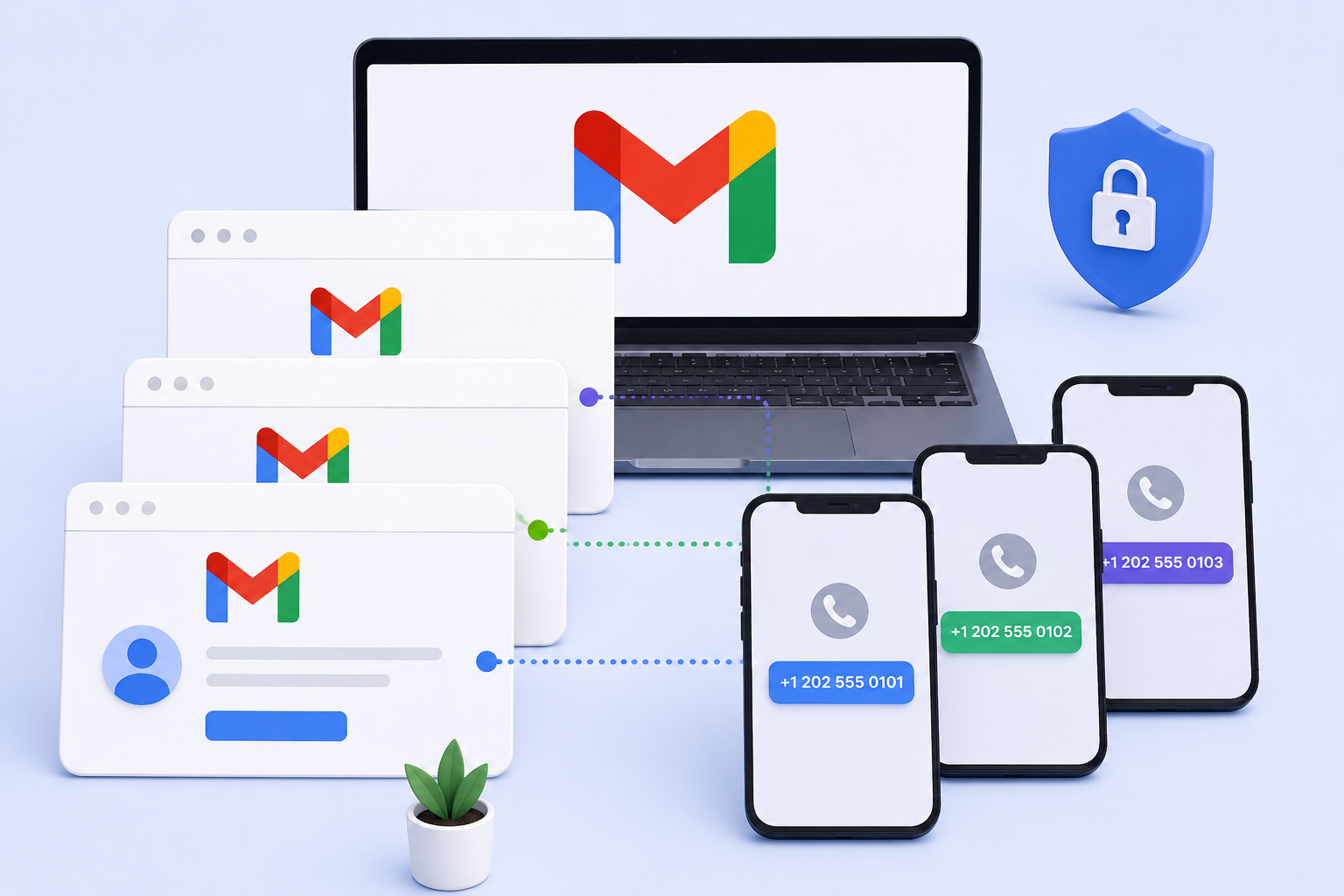
Anyone who's tried to figure out how to create multiple Gmail accounts quickly runs into the same wall: Google lets the first one or two go through easily, then starts asking for phone verification more insistently, and eventually flags the number itself if it's used too many times in a row. This isn't a bug — it's deliberate, and understanding why makes the whole process much less frustrating.
Why Google Limits Number Reuse
Google verifies phone numbers during Gmail signup to cut down on mass-created spam accounts. A single number creating account after account in a short window looks exactly like that pattern, even when the person doing it has a perfectly normal reason — testing, separate accounts for different projects, or business use. Google doesn't distinguish intent; it just sees the repetition and reacts to it, usually by requiring extra verification or blocking further signups on that number for a while.
The Practical Fix: A Fresh Number Per Account
This is where knowing how to create several gmail accounts without hitting that wall comes down to a simple rule: don't reuse the same number. A virtual number for Gmail rented separately for each new account avoids the reuse pattern entirely, since from Google's side, each signup looks like it's coming from a different number, the way normal, unrelated users would appear.
Repeat with a new number for the next account rather than trying to reuse or edit the previous one.
What This Actually Covers
A rented number here is built to receive one SMS code for one Gmail signup — that's the entire job. It isn't a phone line that can make or take calls, and it isn't held aside to verify that same account again later if Google ever asks for a follow-up check, such as a suspicious-login prompt weeks after the account was created. That kind of later verification is a separate event and needs its own number at the time, not a reservation on the one used originally.
What Happens to the Number After Verification
Once a Gmail account has been verified, that number's role in the account is essentially finished for normal use — Google doesn't require it again for logging in, sending email, or using standard features. The number only becomes relevant again if Google itself flags the account for a security review later, and even then, it's Google's own recovery process asking, not something that requires the original rental to still be active. This is part of why reusing a number across accounts doesn't provide any real advantage — the number's usefulness to a given account effectively ends right after verification succeeds.
What Google Is Actually Watching For
It's worth being clear about what triggers Google's extra scrutiny, since it isn't simply "too many accounts." The pattern Google reacts to is speed and repetition on one number — several signups within a short window, using the same number each time. A single number verifying one Gmail account today and another next month, spaced naturally apart, looks nothing like the rapid, repeated pattern Google's spam detection is built to catch. This is exactly why the fix isn't "wait longer between attempts on the same number" so much as it is "use a different number each time" — the reuse itself is the signal, not just the timing.
Legitimate Reasons People Need Several Gmail Accounts
This isn't a niche need. Developers testing how an app or integration behaves across different Google accounts need several distinct accounts to check permissions and edge cases properly. Small teams managing separate Google Workspace-adjacent tools sometimes need individual accounts per project rather than sharing one login. Freelancers and agencies handling multiple clients' Google Ads or Analytics access often keep a dedicated Gmail account per client to avoid mixing data and permissions. None of these use cases involve the number itself needing to do anything beyond that one verification — the accounts are what matters going forward, not the numbers that confirmed them.
A Practical Routine for Multiple Accounts
For anyone who genuinely needs to know how to create multiple Gmail accounts regularly, a simple routine works better than figuring it out fresh each time. Rent one number per account, use it immediately rather than letting time pass between renting and signing up, and space each new account creation out by at least a few hours rather than doing them all in one sitting. Keep a private note of which account used which approximate signup time, since if Google does flag one account later, that record makes it easier to understand what pattern might have triggered it, rather than guessing.
Common Problems and Fixes
|
Problem |
Likely cause |
What helps |
|---|---|---|
|
Google asks for extra verification after 1–2 accounts |
Reuse pattern on the same number |
Use a different number for each new account |
|
Number flagged as "already used too many times" |
Google detects rapid repeated signups |
Rent a fresh number rather than retrying |
|
No code arrives |
Delivery delay on that number |
Wait briefly, then switch numbers |
|
Account flagged shortly after creation |
Multiple signups too close together in time |
Space out account creation over a longer period |
|
Verification asks for a second method beyond phone |
Google's own risk check on that specific signup |
Complete whatever secondary step Google requests |
|
Number rejected before code is sent |
Country format mismatch for that number |
Recheck country code formatting before submitting |
Step-by-Step: Verifying a New Gmail Account
-
Start the Gmail signup process and reach the phone verification step.
-
Enter a number you haven't used for a Gmail signup before.
-
Google sends a numeric code by SMS.
-
The code appears in your rental dashboard within seconds.
-
Enter the code into Gmail to complete that account's verification.
Frequently Asked Questions
- Is there a real limit to how to create multiple Gmail accounts? Google doesn't publish an exact number, but reuse patterns on one phone number are what typically trigger extra checks, more than a hard count of accounts.
- Does using a virtual number for Gmail break Google's rules? No — Google doesn't reject a number for being rented rather than personal. What raises flags is reusing the same number repeatedly, not where the number came from.
- Can the same rented number verify a second Gmail account later? It shouldn't be relied on to. Google is more likely to flag a repeat, so a fresh number for each account is the more reliable approach.
- Why did Google ask for verification again after the account was already set up? That's usually a separate security check, unrelated to the original signup, and it needs its own number in that moment rather than the original one.
- What's the biggest mistake people make with multiple Gmail accounts? Creating several accounts back-to-back on the same number in a short window — that's the pattern Google is actually watching for.
- Does spacing accounts out over days help even with the same number? It can help somewhat, but a fresh number per account remains the more consistent way to avoid extra verification, since reuse itself is part of what Google flags.
- Is there a legitimate business reason to need several Gmail accounts? Very commonly — managing separate client accounts, testing across multiple logins, or keeping projects cleanly separated are all standard reasons, not something unusual.
- Do all the accounts need to be verified the same day? No — there's no requirement to create them together. Spacing them out, each with its own number, tends to go more smoothly than doing them all at once.
- Does account type — personal versus a Workspace-style setup — change the verification step? The phone verification step itself works the same way regardless of how the account will be used afterward; what changes is what happens during onboarding once verification is complete.