
Step-by-Step Guide How to Create, Recover & Verify an Instagram Account Without a Phone Number in 2026
Contents
Creating a New Instagram Account Without a Personal Phone Number
Understanding Virtual Phone Numbers
Recovering Access to an Existing Instagram Account Without the Original Phone Number
Bonus: Verifying Other Apps Like Telegram Without a Phone Number
1) Is Instagram usable without any phone number?
2) Can I register without phone or email?
3) How to recover without the old number?

In 2026, many users prioritize digital privacy and seek ways to engage with Instagram without linking their personal mobile number. This includes content creators handling multiple profiles, businesses managing marketing accounts, and individuals avoiding data tracking across Meta's platforms (Instagram, Facebook, WhatsApp).
Instagram requests a phone number mainly for enhanced security, two-factor authentication (2FA), spam prevention, and cross-platform identity verification. However, this can lead to unwanted tracking, spam texts, linked accounts under one SIM, or access issues during number changes or international travel.
The good news: you can fully register, verify, and recover accounts without exposing your real phone number. Reputable virtual SMS services provide temporary online numbers that receive verification codes just like a regular SIM—keeping your privacy intact.

Creating a New Instagram Account Without a Personal Phone Number
Setting up an Instagram profile in 2026 without a real SIM is simple, especially by combining email signup with virtual verification when needed.
Step-by-Step Process
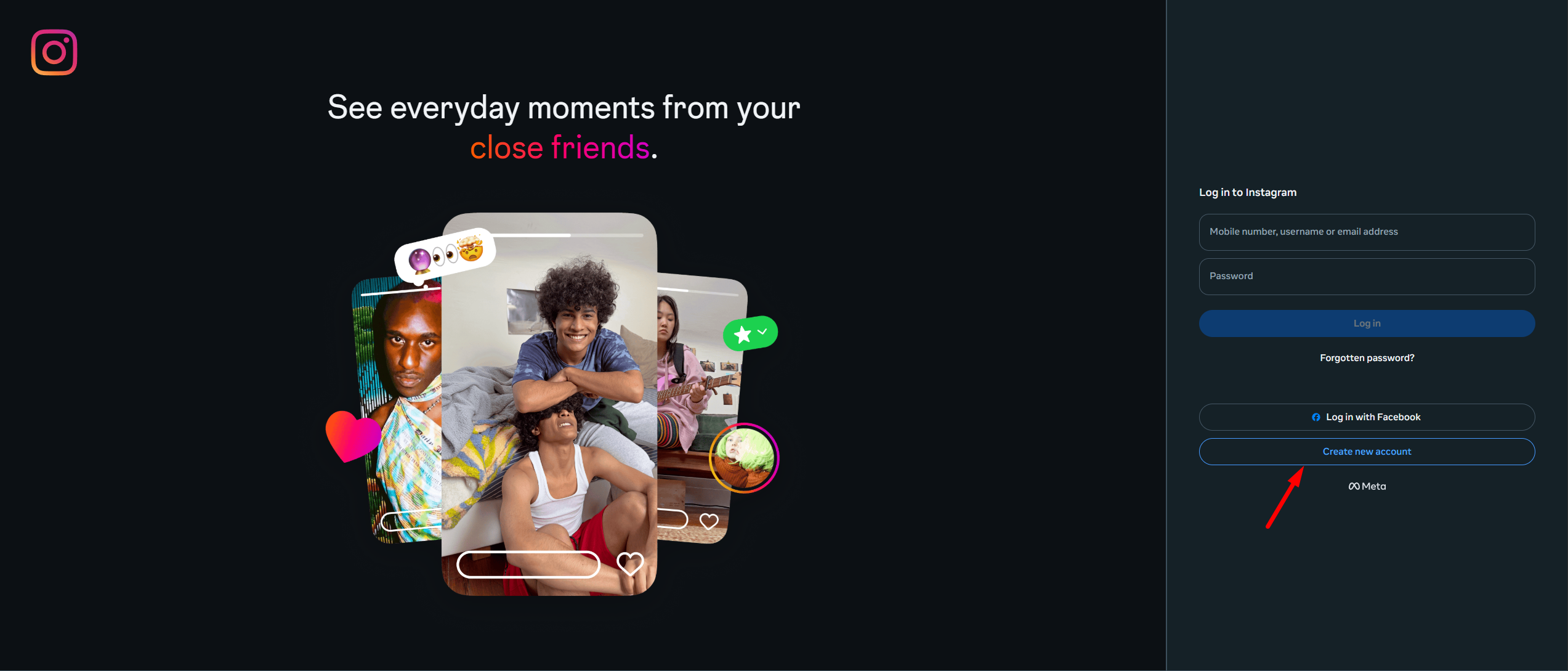
1) Launch the Instagram app or go to instagram.com and select "Sign Up" or "Create New Account."
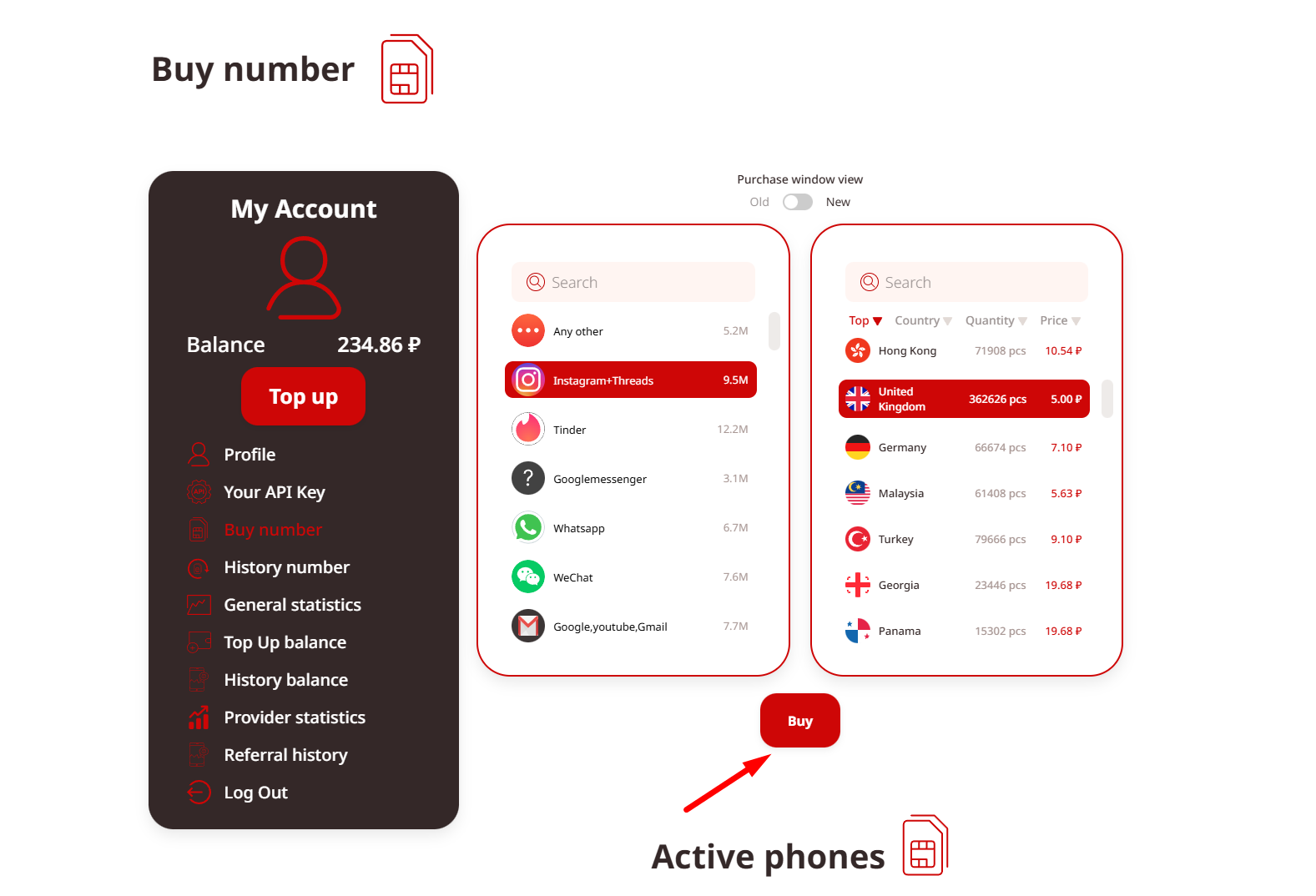
2) When prompted for phone verification (common during signup or shortly after for suspicious activity checks), use a virtual number: Access a trusted provider like TIGER SMS, choose a number from a supported country (e.g., US, UK, UAE, India), and input it.
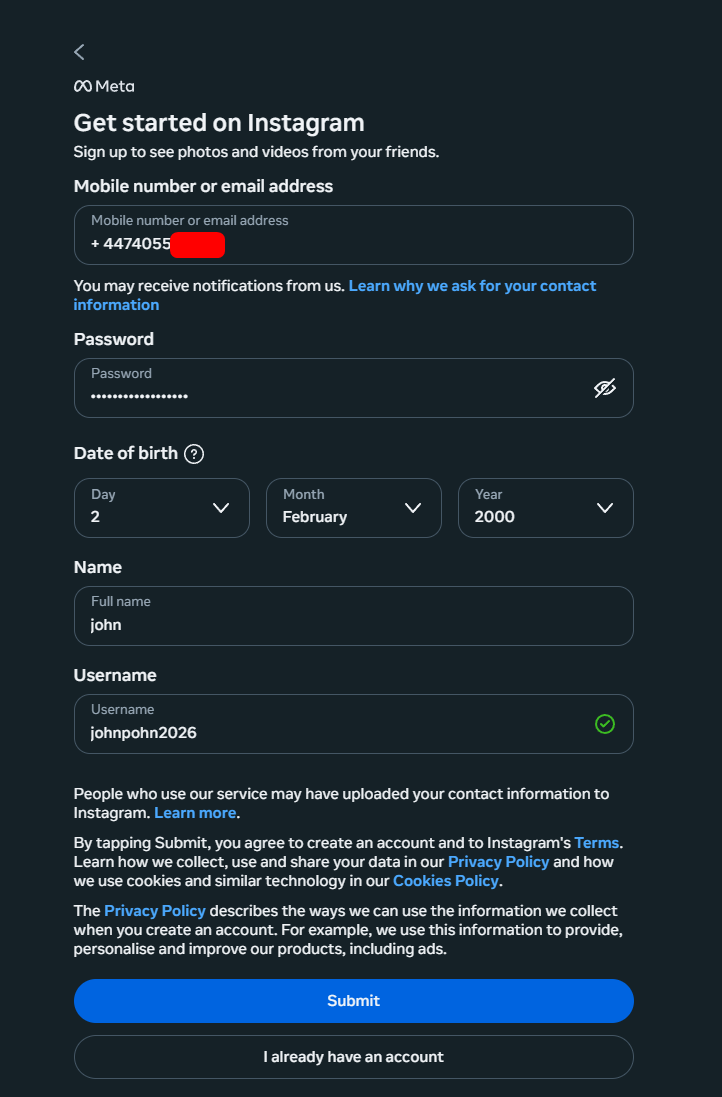
3) Wait for the OTP: Instagram sends a confirmation code via SMS—the code arrives quickly in the virtual service's dashboard.
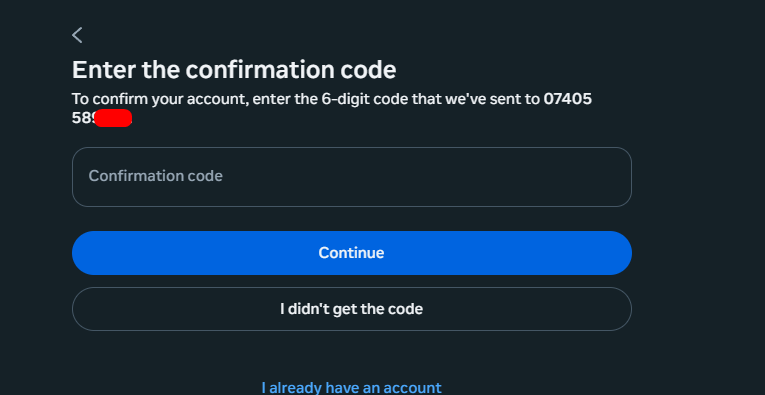
4) Enter the code: Paste it into Instagram to complete verification and finish setting up your username, profile picture, and bio.
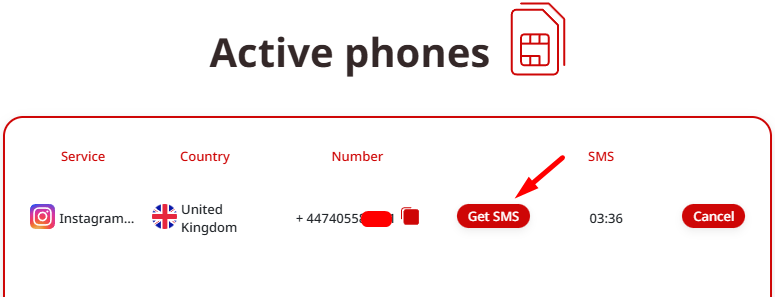
Your account is now live and functional, with no personal phone tied to it.
Understanding Virtual Phone Numbers
Virtual numbers function like standard mobile ones but exist entirely in the cloud—no physical SIM required. SMS messages route through secure online systems, making them ideal for OTP reception.
Key Advantages
-
Complete anonymity: Your real number remains private.
-
Fast delivery: Codes appear in seconds, avoiding delays or international issues.
-
Supports multiple accounts: Great for agencies, testers, or creators.
-
Global availability: Numbers from various countries, often with high success rates on Instagram.
-
Cost-effective: Far cheaper than purchasing separate physical SIMs.
This method adheres to Instagram's official verification flow—you're simply substituting a non-personal number.
Recovering Access to an Existing Instagram Account Without the Original Phone Number
If you've lost access to the linked number (e.g., due to SIM change, loss, or travel), recovery is still feasible.
Recovery Options
-
Email Password Reset — Go to the login screen, select "Forgot password?", and enter your registered email. Follow the reset link sent there.
-
Facebook Login — If your Instagram was previously connected to a Facebook account, log in directly via Facebook credentials.
-
Help Center Form — Use Instagram's recovery tools: Submit details like your username and email through the app or website's help section.
-
Add a New Virtual Number — During recovery prompts requiring verification, use a service like TIGER SMS to obtain a fresh number, receive the OTP, and re-verify.
Strengthen Security Post-Recovery — Remove any old numbers, switch to app-based 2FA (e.g., Google Authenticator), update your recovery email, and save backup codes. These steps help avoid future lockouts from SIM-related problems.
Bonus: Verifying Other Apps Like Telegram Without a Phone Number
The same approach works for Telegram, WhatsApp, TikTok, and similar platforms that use OTP verification.
1) Quick Process for Telegram
2) Start registration in the Telegram app.
3) Select a virtual number from your provider.
4) Enter it when prompted.
5) Retrieve the code from the dashboard.
Confirm and access your account.
No physical SIM needed—perfect for multi-platform privacy.
Common Questions
1) Is Instagram usable without any phone number?
Yes—sign up via email, and use virtual numbers only if verification arises.
2) Can I register without phone or email?
No, Instagram requires at least one contact method; virtual numbers can substitute for phone.
3) How to recover without the old number?
Rely on email/Facebook options first, then add a new virtual number for OTP if needed.
4) Are virtual numbers safe for verification?
Yes, with trusted providers like TIGER SMS offering secure, dedicated routing.
Wrapping Up
Privacy in 2026 is a priority, not a luxury. While social apps push for phone verification, you don't need to surrender your personal details. Virtual numbers offer a secure, flexible way to create, verify, and maintain Instagram accounts—empowering users with greater control.
Services like TIGER SMS deliver instant OTPs, worldwide compatibility, and protection against SIM lockouts, making privacy-friendly social media management straightforward and effective. Whether for personal use or professional needs, this method keeps your digital life separate from your real phone number.