 Blog
Blog
Purchasing FIFA ID World Cup Tickets: How TigerSMS Helps You Buy More Seats
Contents
Why Fans and Groups Use Multiple FIFA IDs
The Role of SMS Verification on FIFA.com
An active, verified phone number is now required to
Why TigerSMS is the Practical Solution for Ticket Buyers
Step-by-Step: Registering and Verifying Multiple FIFA IDs
Step 1: Set Up Isolated Browser Profiles
Step 2: Get a Virtual Number from TigerSMS
Step 3: Register Your New FIFA ID
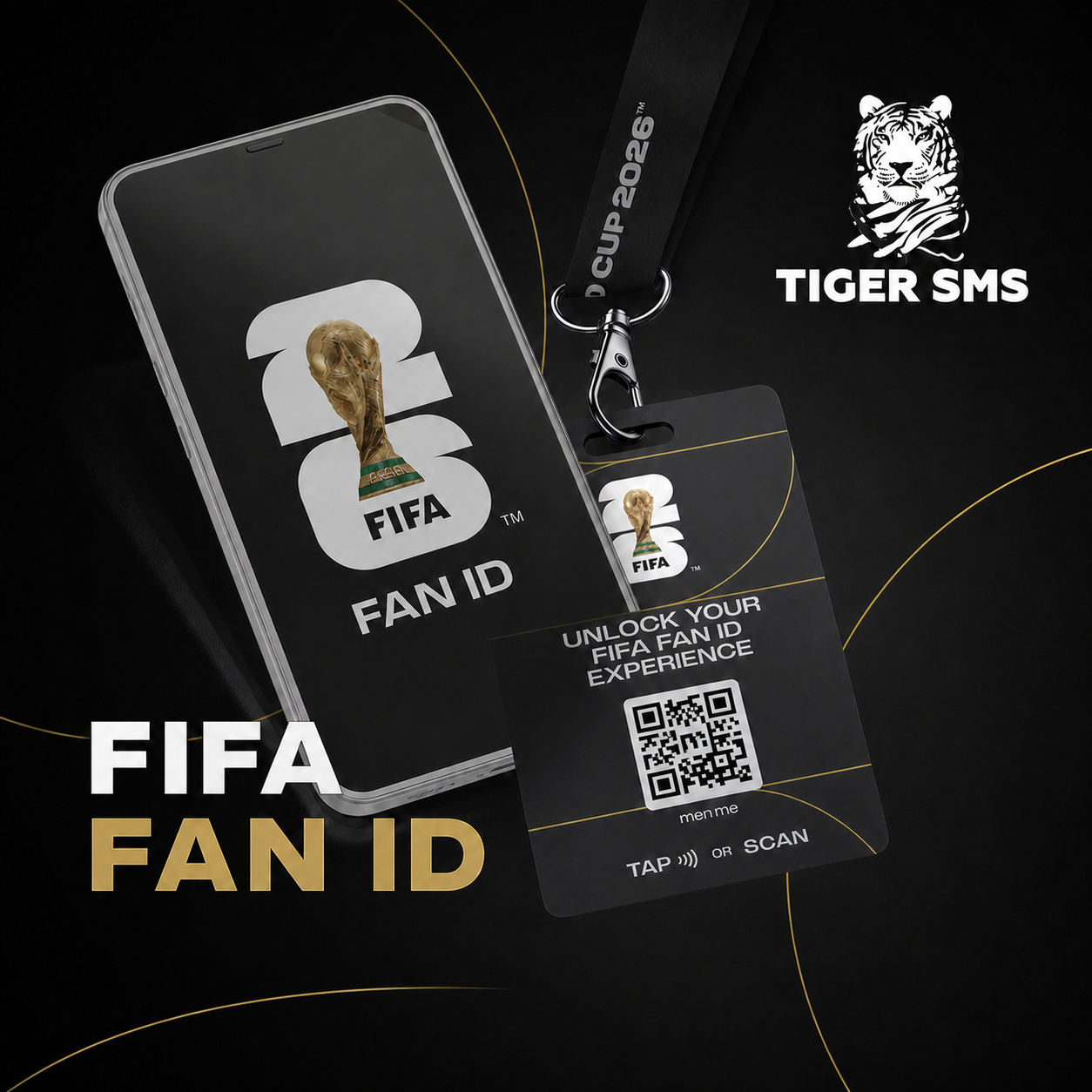
The World Cup 2026 is officially here, drawing millions of football fans to stadiums across the United States, Canada, and Mexico. With demand far exceeding stadium capacities, securing a seat is one of the biggest challenges for supporters.
Whether you are participating in the final ticket draws, trying to access the Last-Minute Sales (LMS) portal, or purchasing tickets through the official FIFA Resale Marketplace, you need a verified FIFA ID. However, strict limits such as caps on the number of tickets one household can buy often prevent families and groups of friends from attending matches together.

To improve their chances in ticket ballots and bypass group limits, many fans turn to multi-accounting. In this article, we will explain how to set up and verify multiple FIFA IDs safely using virtual numbers from TigerSMS.
Why Fans and Groups Use Multiple FIFA IDs
To ensure fair distribution, FIFA strictly regulates ticket sales:
-
Lottery and Draw Limits: Tickets are frequently allocated via a random selection draw. Entering the draw with a single account provides limited odds. Creating multiple FIFA IDs allows fans to submit separate entries, statistically increasing their chances of securing coveted match tickets.
-
Household Caps: FIFA restricts the number of tickets a single account can purchase per match (typically limited to 6). If you are traveling with a larger group, a single FIFA ID is simply not enough.
-
Accessing the Resale Marketplace: During high-traffic periods on the official Resale Marketplace, users often experience technical delays or account lockouts. Having a backup, verified FIFA ID ensures you do not miss out on last-minute ticket listings.
The Role of SMS Verification on FIFA.com
While registering a basic FIFA ID initially requires email confirmation, FIFA has tightened its security protocols for the 2026 tournament to combat automated bots and unauthorized ticket harvesting.

An active, verified phone number is now required to:
-
Complete ticket purchases during the highly competitive Last-Minute Sales phases.
-
Access the secure ticketing portals to view, manage, or transfer purchased seats.
-
Log in to the official FIFA Mobile Tickets app to display secure, rotating QR codes at stadium gates.
Because you cannot link the same phone number to multiple FIFA accounts, managing multiple profiles requires access to unique, clean numbers.
Why TigerSMS is the Practical Solution for Ticket Buyers
Purchasing multiple physical SIM cards to verify additional FIFA IDs is expensive, time-consuming, and hard to manage. TigerSMS provides an efficient, digital alternative:
-
Cost-Efficient: You can rent a virtual number to receive a one-time passcode (OTP) for a tiny fraction of the cost of a physical mobile connection.
-
Global Options: FIFA ID allows registrations from fans worldwide. TigerSMS offers active numbers from dozens of countries, allowing you to match your account’s registered country with your phone code.
-
Instant Delivery: The verification SMS arrives directly in your web browser, allowing you to complete your ticket registration or secure login immediately

Step-by-Step: Registering and Verifying Multiple FIFA IDs
To ensure your accounts remain independent and do not get flagged by FIFA’s anti-bot filters, follow this structured process:
Step 1: Set Up Isolated Browser Profiles
If you are logging into multiple accounts from the same device, use an anti-detect browser (such as AdsPower or Dolphin Anty) paired with high-quality residential proxies. This prevents the platform from linking your accounts via browser fingerprints or shared IP addresses.

Step 2: Get a Virtual Number from TigerSMS
1) Go to TigerSMS and create an account.
2) Top up your balance using your preferred payment method (bank cards, e-wallets, or cryptocurrency are supported).

3) In the services list on the left, search for FIFA (or select "Any Other" if the service is not listed).

4) Select the country that matches your current proxy IP address and click "Buy".
Step 3: Register Your New FIFA ID
1) Navigate to the official FIFA tickets page.

2) Fill out the registration form with a unique email address and name.
3) When prompted to add or verify a phone number, paste the virtual number provided in your TigerSMS dashboard.

4) Click "I Accept" and "Save".

Step 4: Enter the OTP
1) Return to TigerSMS and look at your active number.
2) Once the SMS arrives, copy confirmation code.

3) Enter it on the FIFA portal to finalize your registration and secure your new account

Crucial Tips for Safe Ticket Management
To ensure your tickets remain valid and accessible, keep these safety measures in mind:
-
Keep Names and Payment Consistent: While you can use multiple accounts, FIFA's payment gateway can flag transactions if multiple accounts use the exact same credit card. Try to use different payment cards (or virtual cards) matching the names registered on each FIFA ID.
-
Prepare for the Mobile Tickets App: Remember that tickets are delivered digitally to the FWC2026 Mobile Tickets app close to the match dates. You must log in to the app using the corresponding FIFA ID credentials on your smartphone. Make sure you keep a clear record of which email, password, and TigerSMS virtual number is linked to each of your accounts.
-
Use Only Official Channels: Always ensure you are on the official FIFA domain. Cybersecurity agencies have warned of a rise in spoofed FIFA websites designed to steal credentials and payment details during the tournament.
Conclusion
Securing tickets to the World Cup 2026 is a competitive process, but using multiple FIFA IDs is a practical way to improve your lottery odds and manage group ticket purchases.
By combining anti-detect browsers, unique payment details, and clean virtual numbers from TigerSMS, you can register and verify your accounts securely. Sign up with TigerSMS today to ensure you are ready for the next ticket drop!

She is a keen observer of the IT landscape, writing extensively about innovations and cybersecurity trends. Her articles help demystify complex technologies for her readers, establishing her as a reliable source for tech enthusiasts and professionals alike.