
How to Get a Temporary Indonesian Number for Gojek
Contents
Why You Need an Indonesian Number for Gojek
How to Register on Gojek Using a Temporary Indonesian Number

What Is Gojek and Who Uses It
Gojek is a leading Indonesian app that brings together many daily services — ride booking, food delivery, payments, and shopping — in one place.
It’s used by millions of people across Southeast Asia who want a quick and simple way to move, eat, and pay.
To start using the app, every new user needs to register with a phone number.
Gojek sends a one-time password (OTP) by SMS to confirm that you’re the real account owner.
Why You Need an Indonesian Number for Gojek
Since Gojek mainly operates in Indonesia, the app prefers local phone numbers when sending OTP messages.
If you use a number from another country, you might never receive the verification SMS.
Here’s why an Indonesian number (+62) is important:
-
Only numbers with the +62 code are supported for full registration.
-
Indonesian numbers get OTP messages faster and more reliably.
-
Some Gojek services, such as GoPay or GoFood, work only with verified Indonesian numbers.
If you don’t have an Indonesian SIM or you’re living abroad, the easiest option is to use a temporary Indonesian virtual number online.
How a Virtual Number Helps
A virtual phone number works like a regular one — it can receive SMS and OTP codes — but it’s hosted online.
You don’t need a SIM card or local mobile plan.
With TIGER SMS, you can:
-
Instantly get a real Indonesian number (+62);
-
Receive your Gojek OTP code within seconds;
-
Keep your personal number private;
-
Register or test multiple Gojek accounts;
-
Pay only for what you use — no contracts or extra fees.
How to Register on Gojek Using a Temporary Indonesian Number
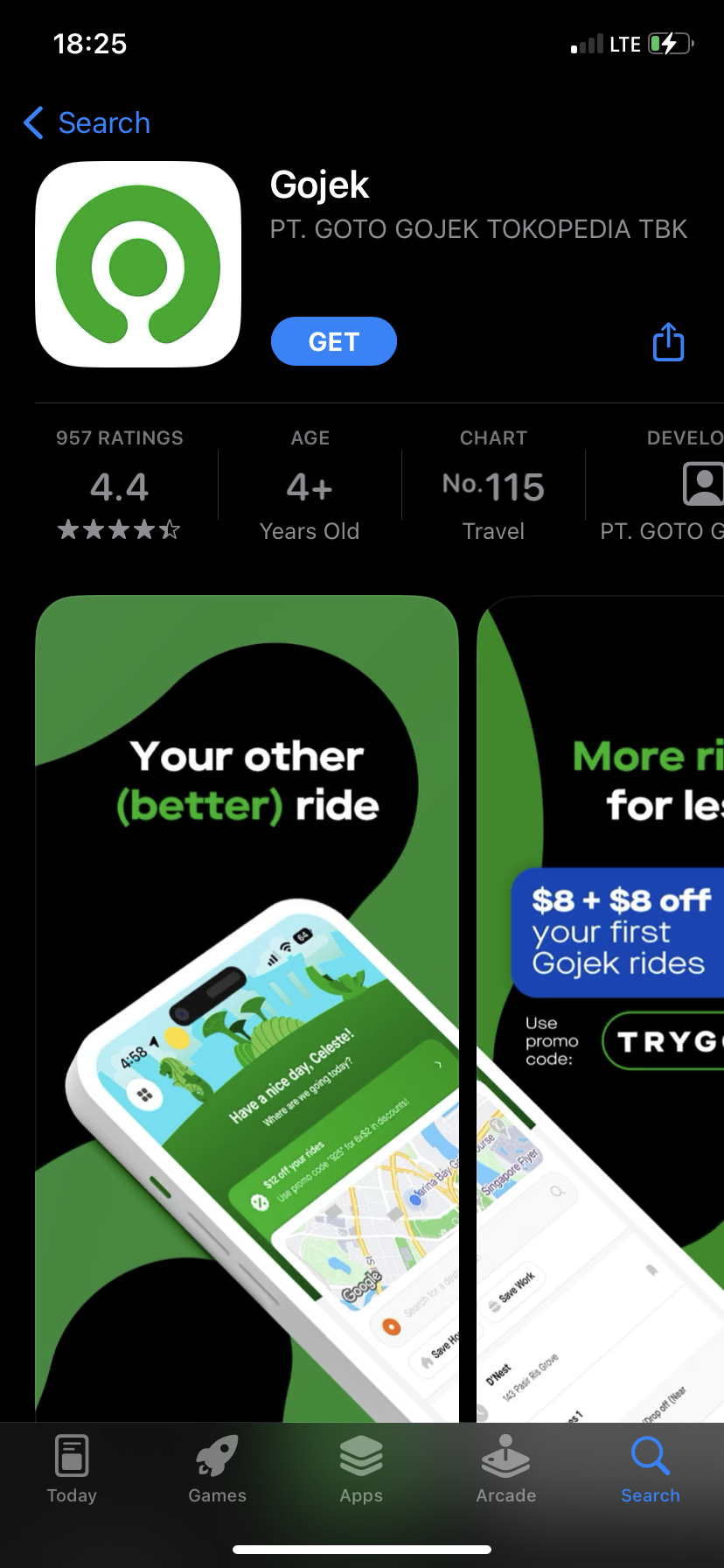
Step 1. Download the Gojek App
-
Open Google Play or App Store. Search for Gojek and install the app.
Step 2. Start Creating an Account
-
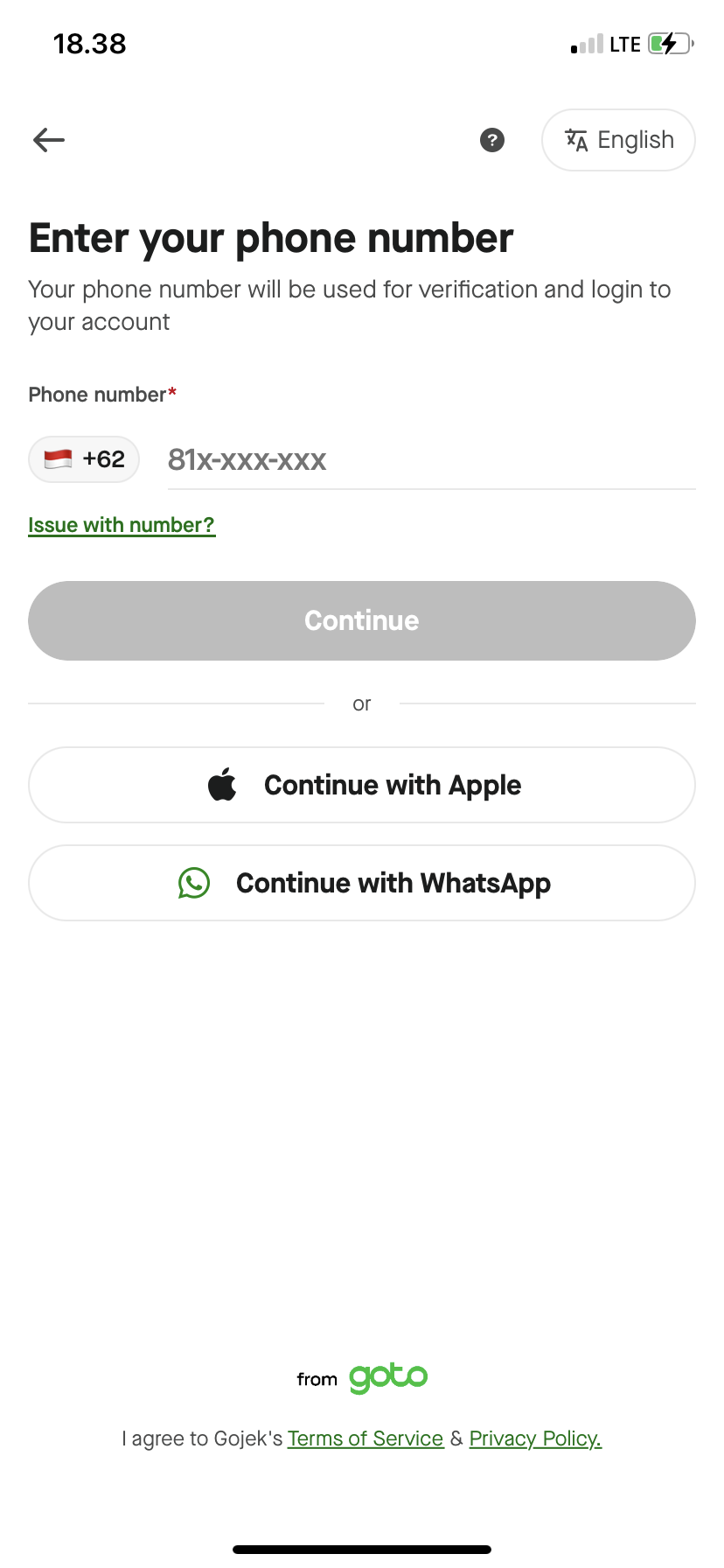
Tap Sign Up and enter your phone number from TIGER SMS
Step 3. Get an Indonesian Number from TIGER SMS
-
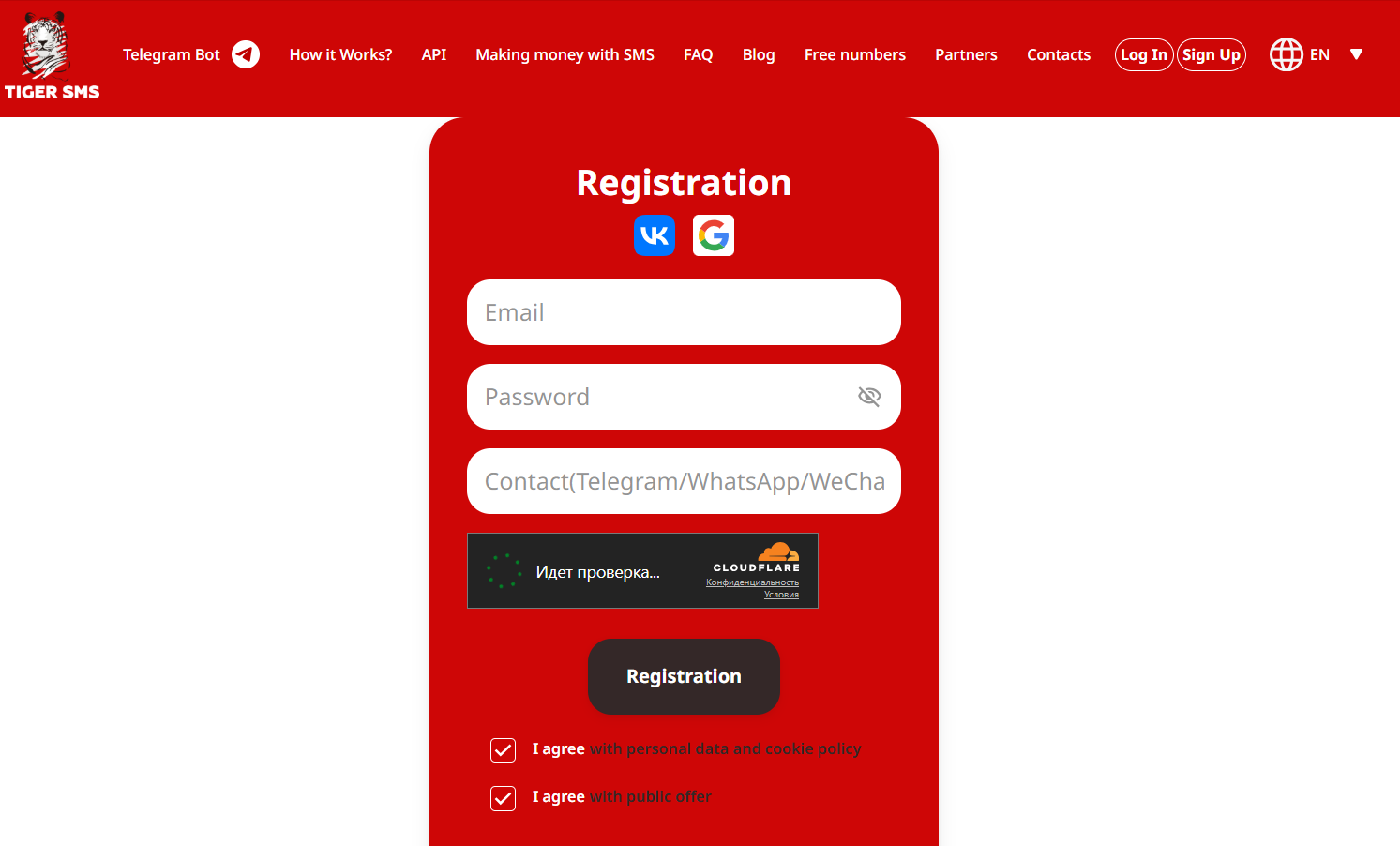
Visit https://tiger-sms.com/

-
Sign up or log in.
-
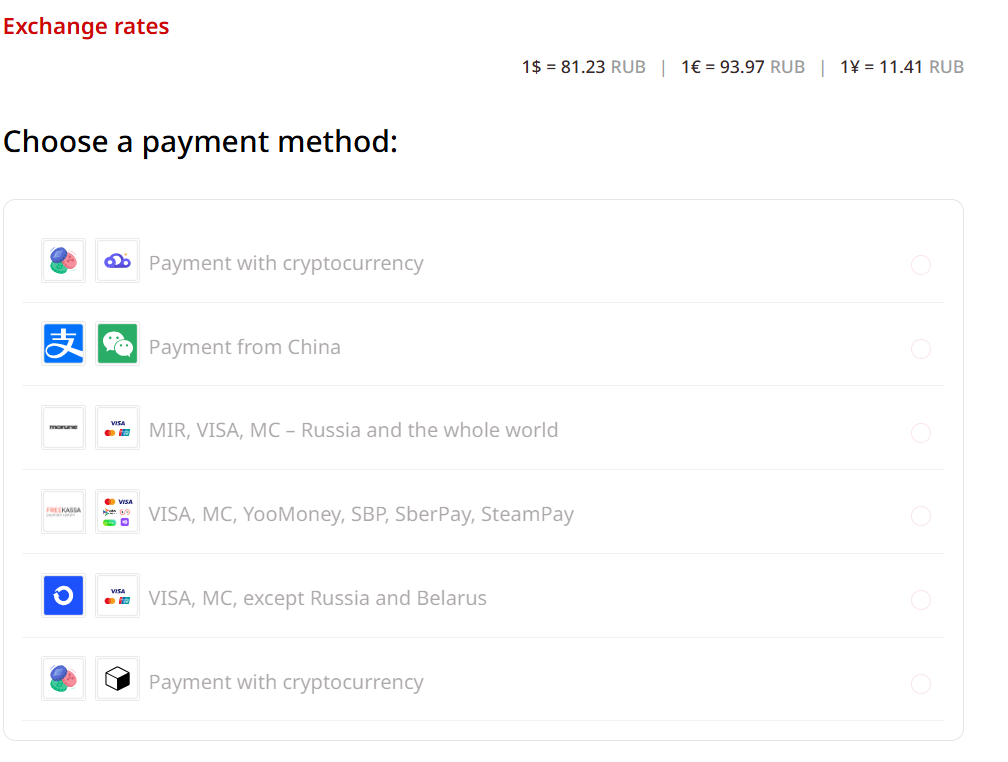
Add funds to your balance.
-
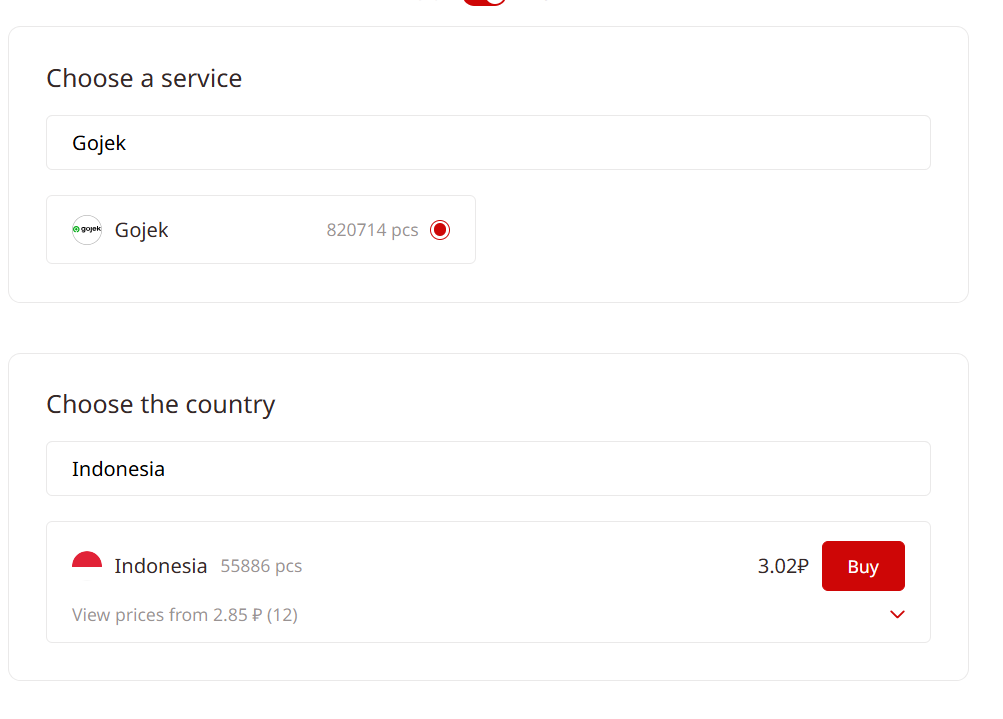
Find Gojek in the list of services.
-
Select Indonesia as your country.
-
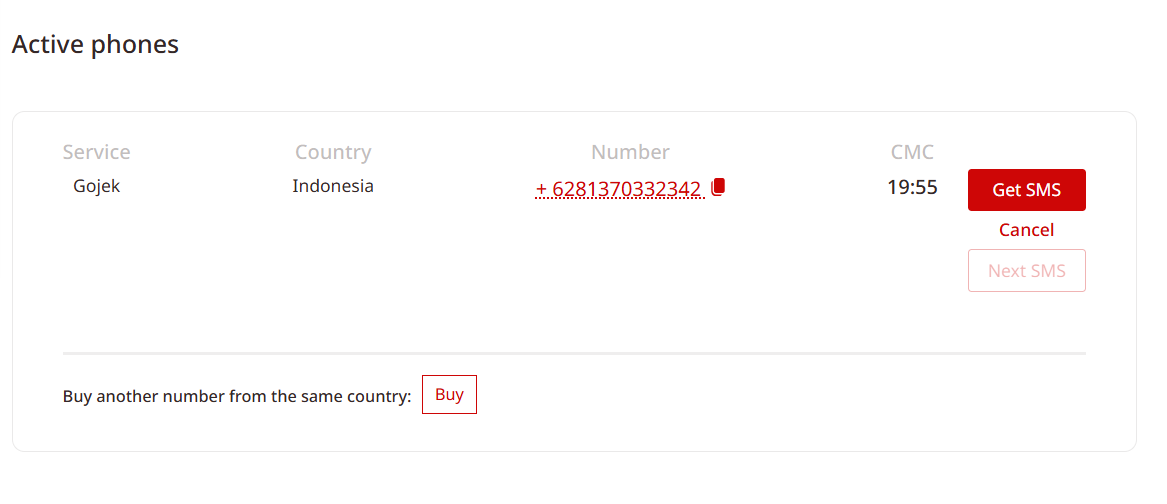
Click Get Number — your temporary Indonesian number will appear right away.
Step 4. Request OTP in Gojek
-
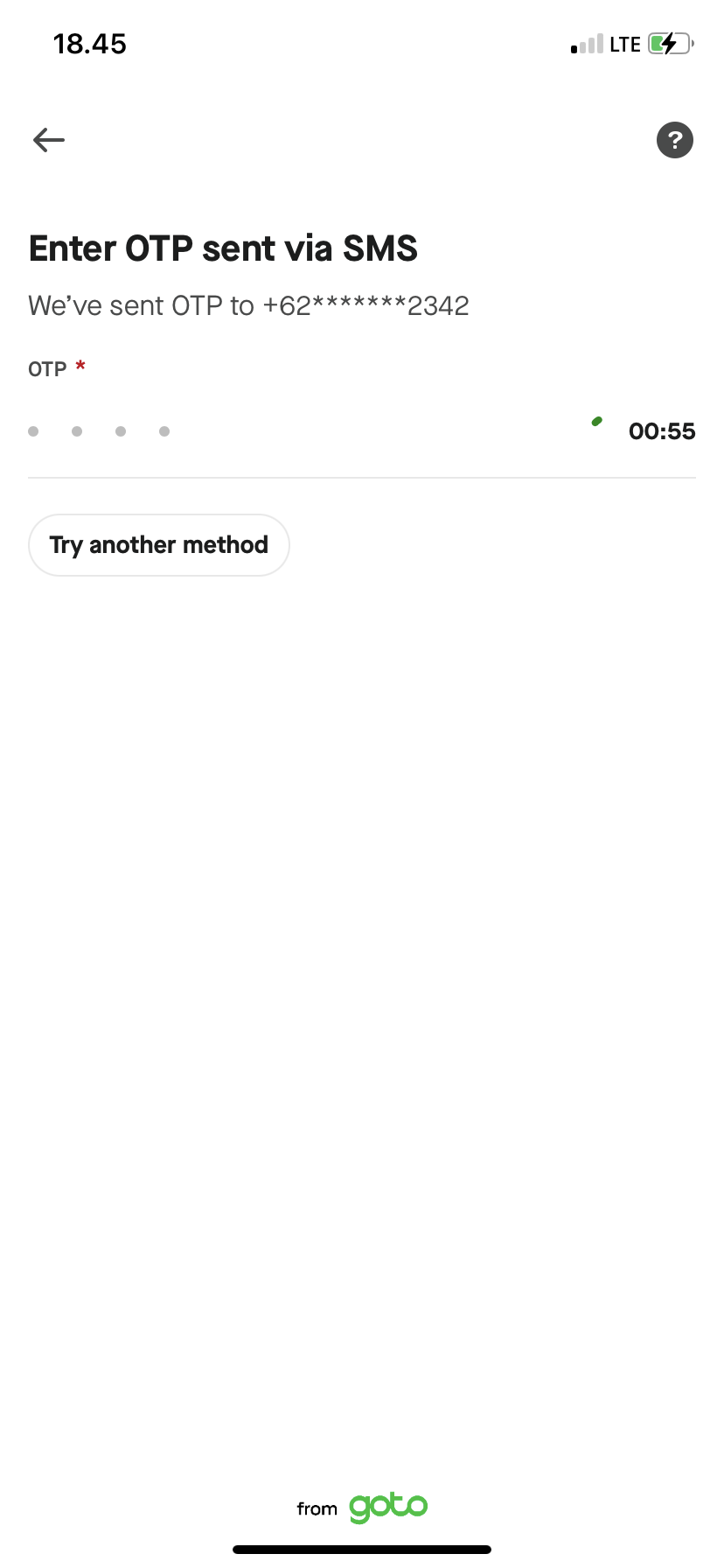
Copy the number from TIGER SMS and paste it into the Gojek registration field.
-
Wait a few seconds — your OTP will show up on the TIGER SMS website.
Step 5. Complete Verification
-
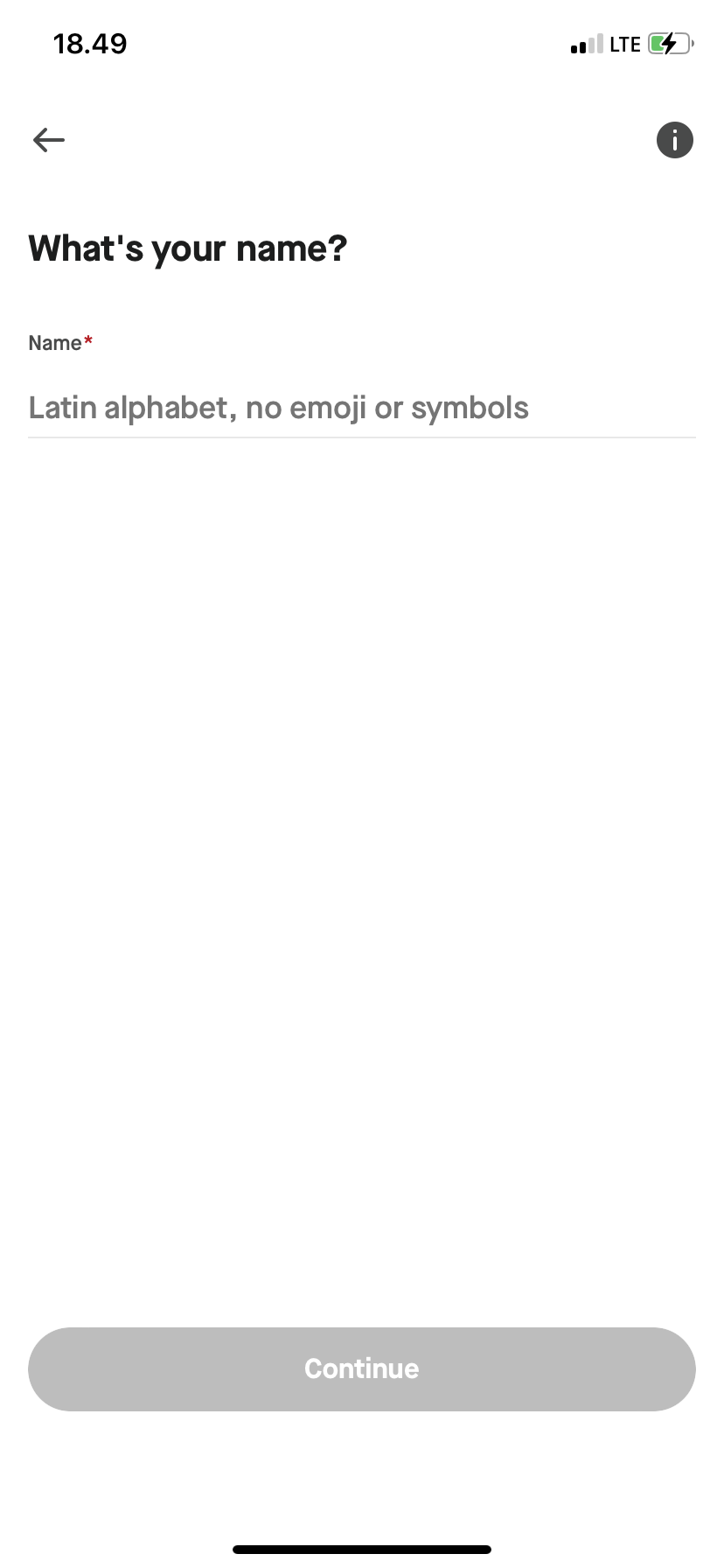
Copy the OTP code and paste it into the Gojek app.
-
Done — your account is verified and ready to use.
Why Choose TIGER SMS for a Gojek Number
TIGER SMS makes it easy to get a local number from anywhere in the world.
You don’t need a physical SIM card, an Indonesian address, or special documents — everything happens online.
Here’s why users choose TIGER SMS:
-
OTP arrives instantly;
-
Works worldwide;
-
Real Indonesian numbers accepted by Gojek;
-
Simple balance-based payment — no subscriptions;
-
Can be integrated into apps or tools for bulk verification.
Conclusion
If Gojek asks for an Indonesian phone number, you don’t have to buy a new SIM or travel abroad. Just go to TIGER SMS, get a temporary Indonesian number, and receive your OTP in seconds. It’s the fastest way to start using Gojek — easy, affordable, and 100% online.